
Meta
Complex hardware.
Clearer training.
Via Finer Vision
The product
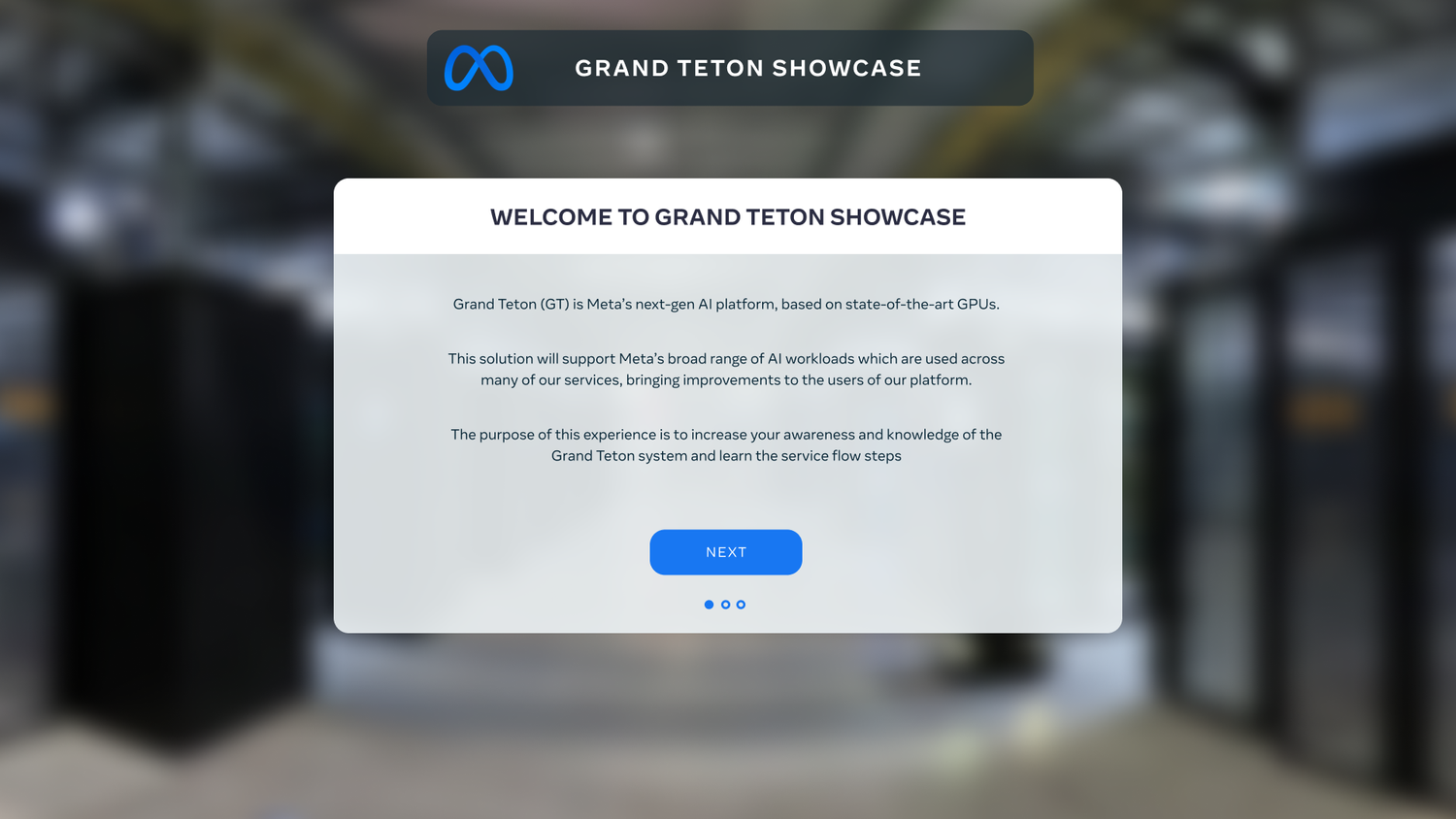
A VR training platform for Meta’s data-centre engineers. It walks them through servicing the new Grand Teton servers and helps them when something breaks.
The problem
Engineers would use the app in two ways: as a training programme and as a working tool. It had to feel immersive and enjoyable to learn with, while staying precise enough to trust on the job.
The goal
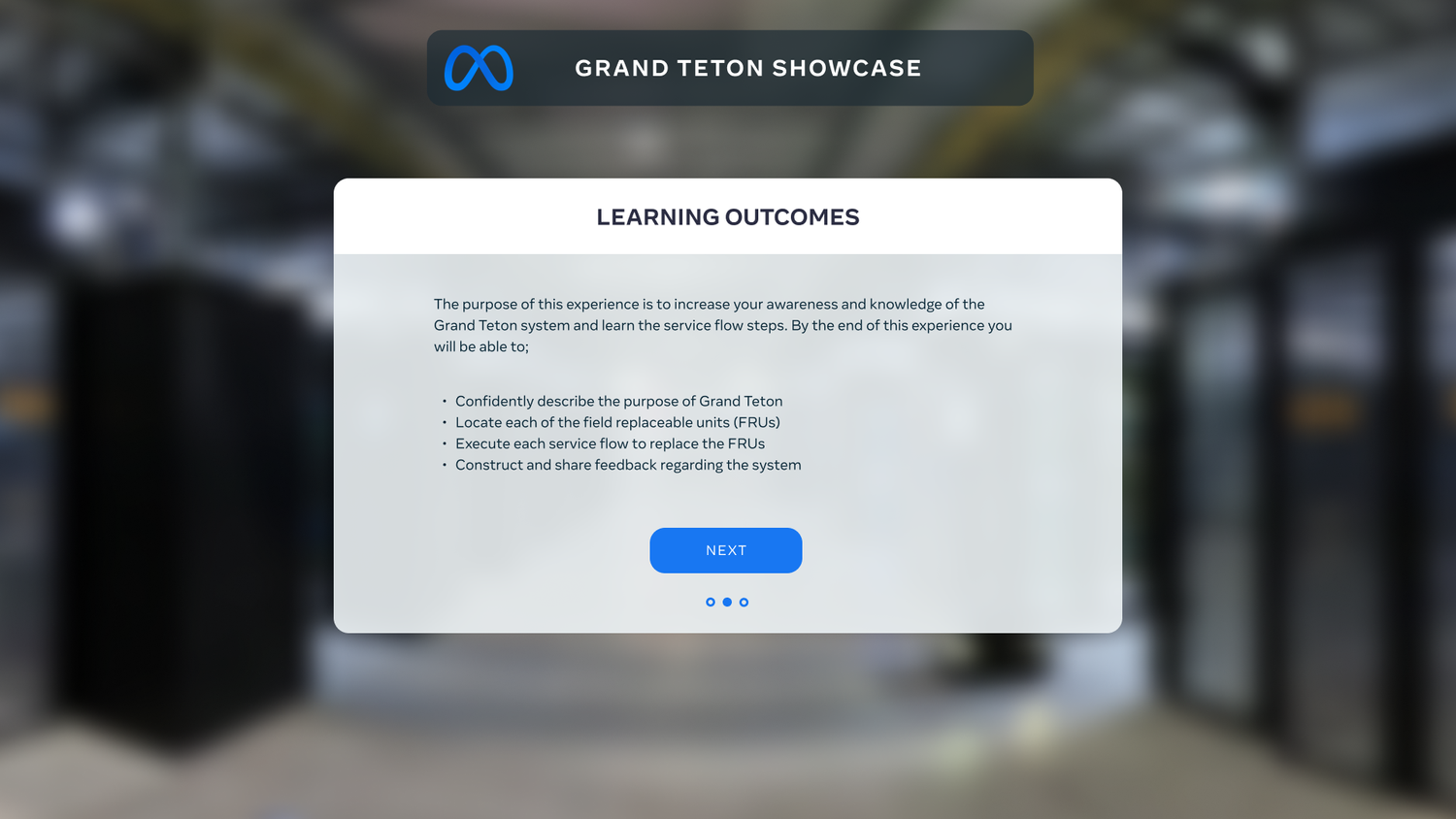
Help engineers train on the new platform, and give them support wherever they are: fully immersed in VR, or on a phone or tablet.
ConstraintWe had no access to the engineers for user research, so we worked in a waterfall process with client feedback at every checkpoint and an in-house test before launch.
Starting from the client’s vision
We began by talking to the client to understand their vision and what their engineers needed.
From there we explored ideas and chose a direction together, based on their feedback. We had partnered with this client before and already knew how they work and design, so the whole project ran smoothly and quickly.
That familiarity also left room to bring in fresh ideas without losing the look and feel their teams expect.
Designing inside Meta’s system
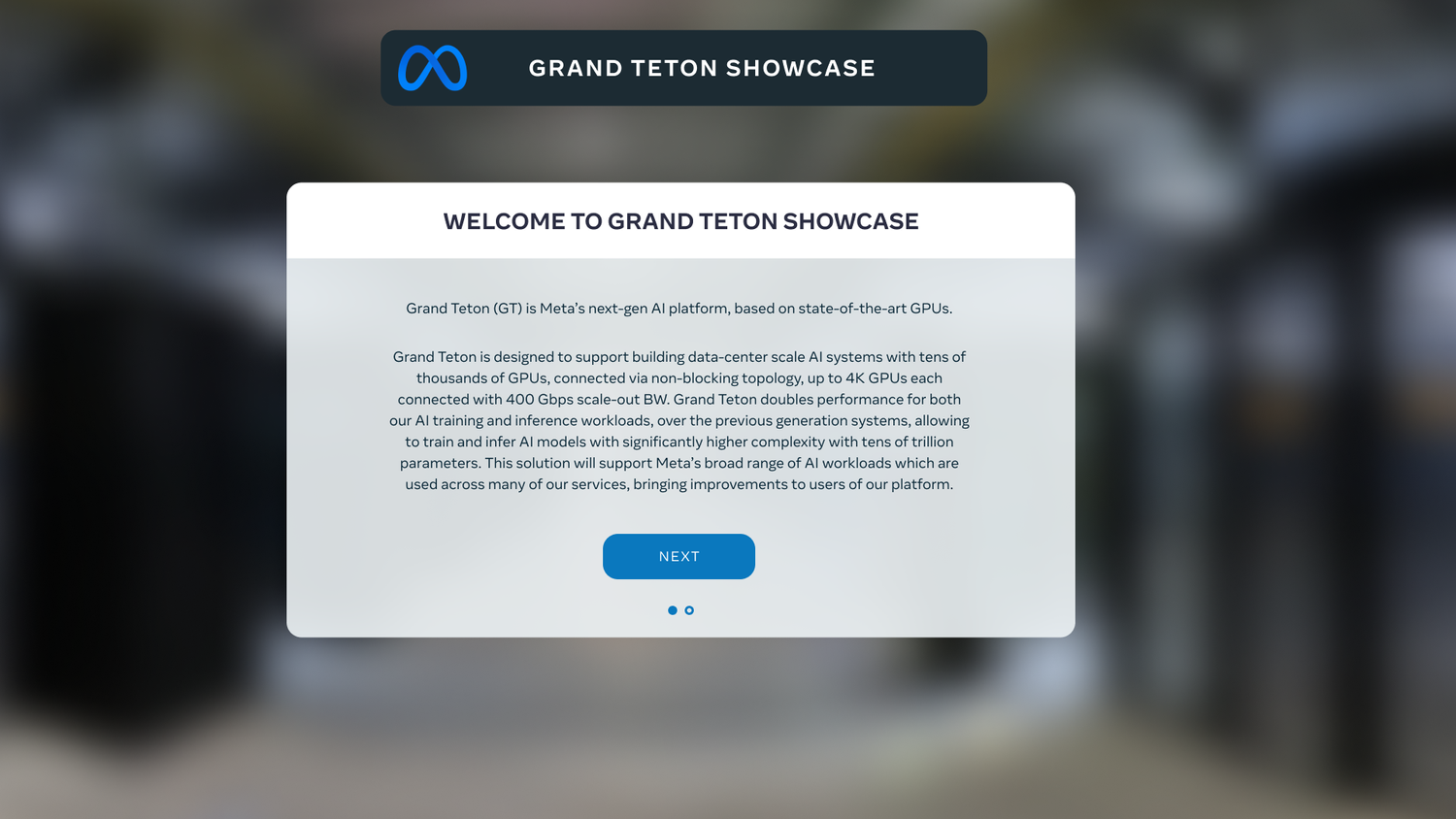
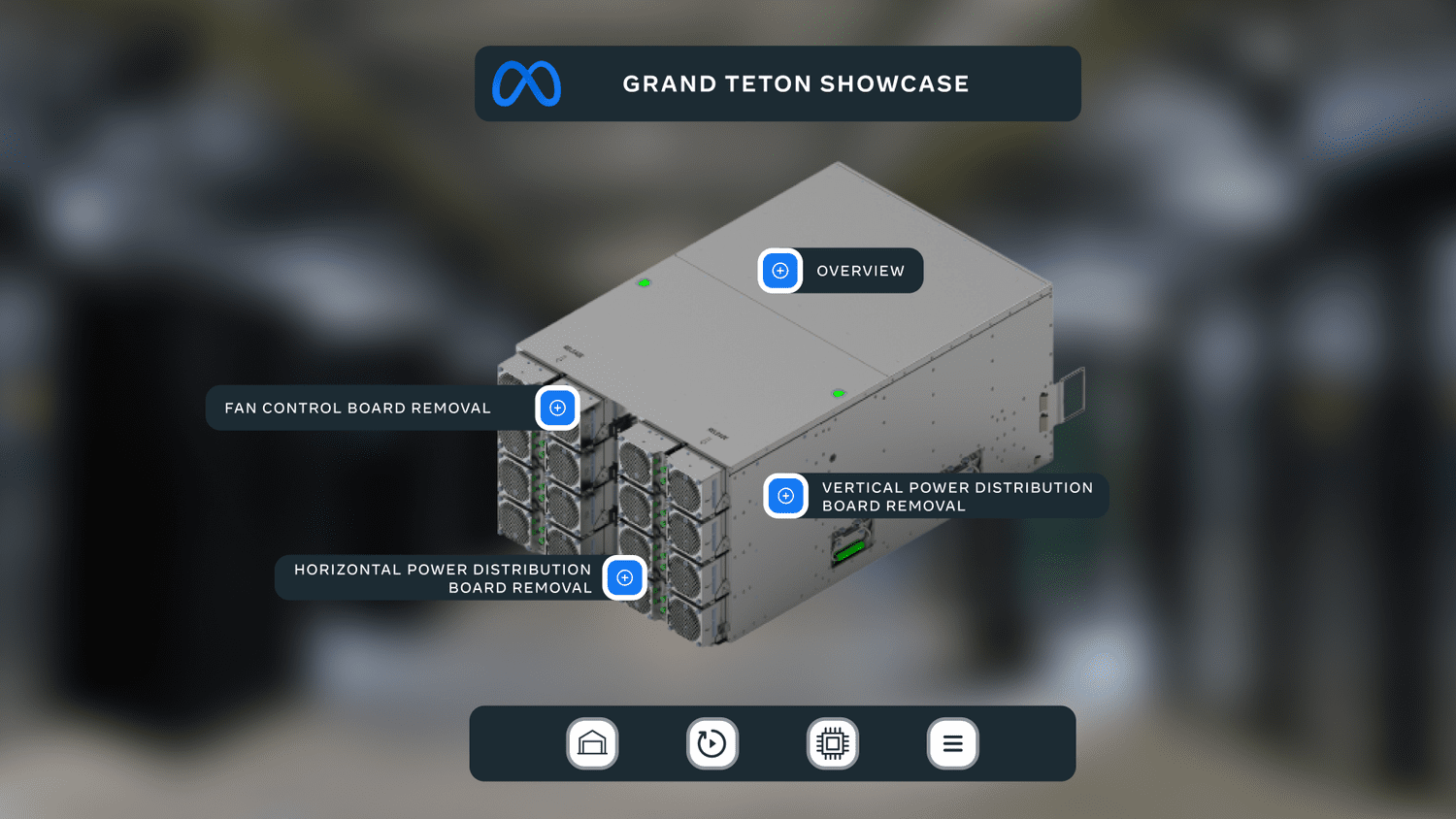
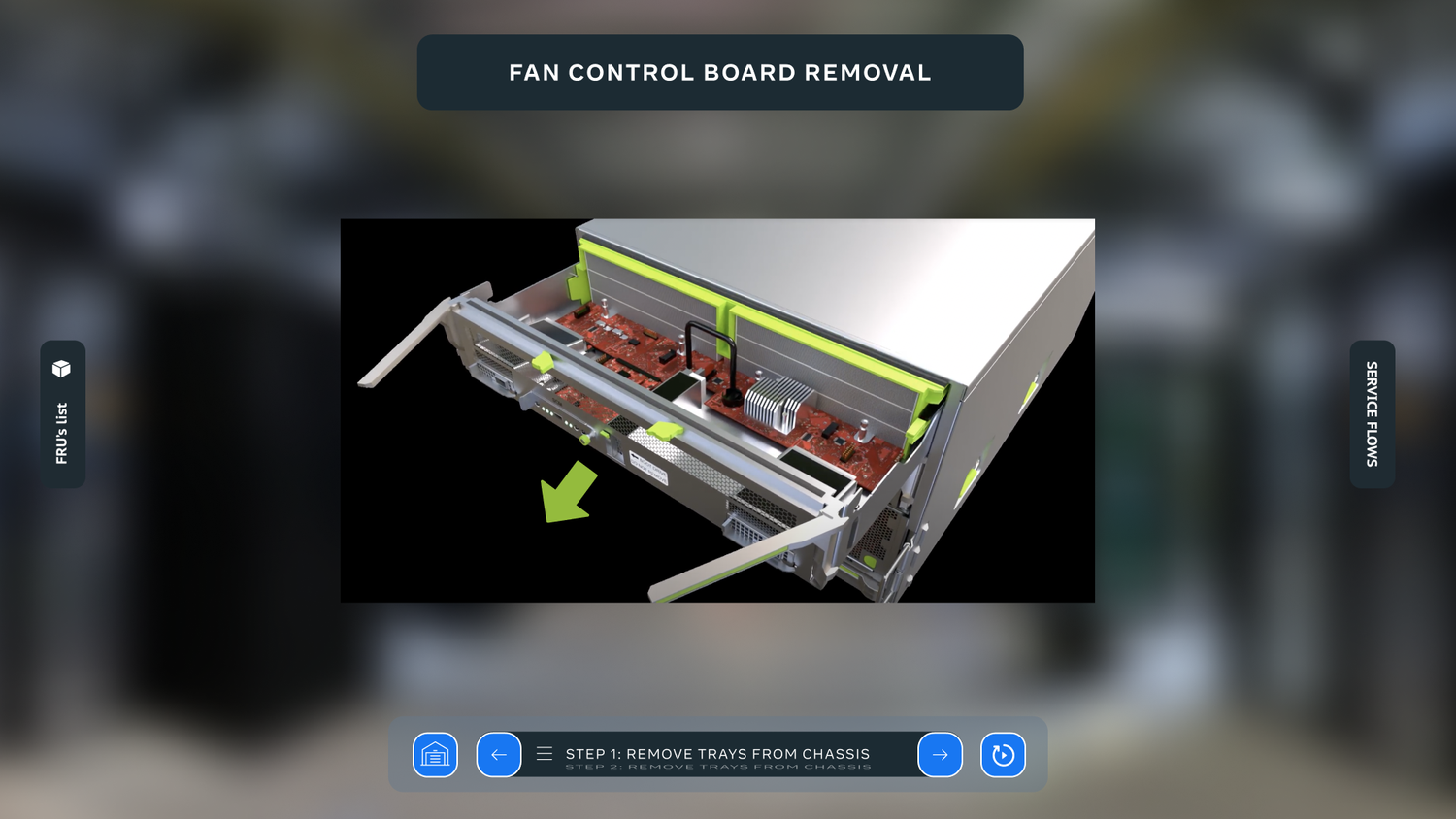
With the client’s design system in hand, I skipped grey boxes and went almost straight to high fidelity.
Detailed wireframes showed how every screen would look and behave, and let the client see their design system working in context from the very first review.
Storyboarding every repair
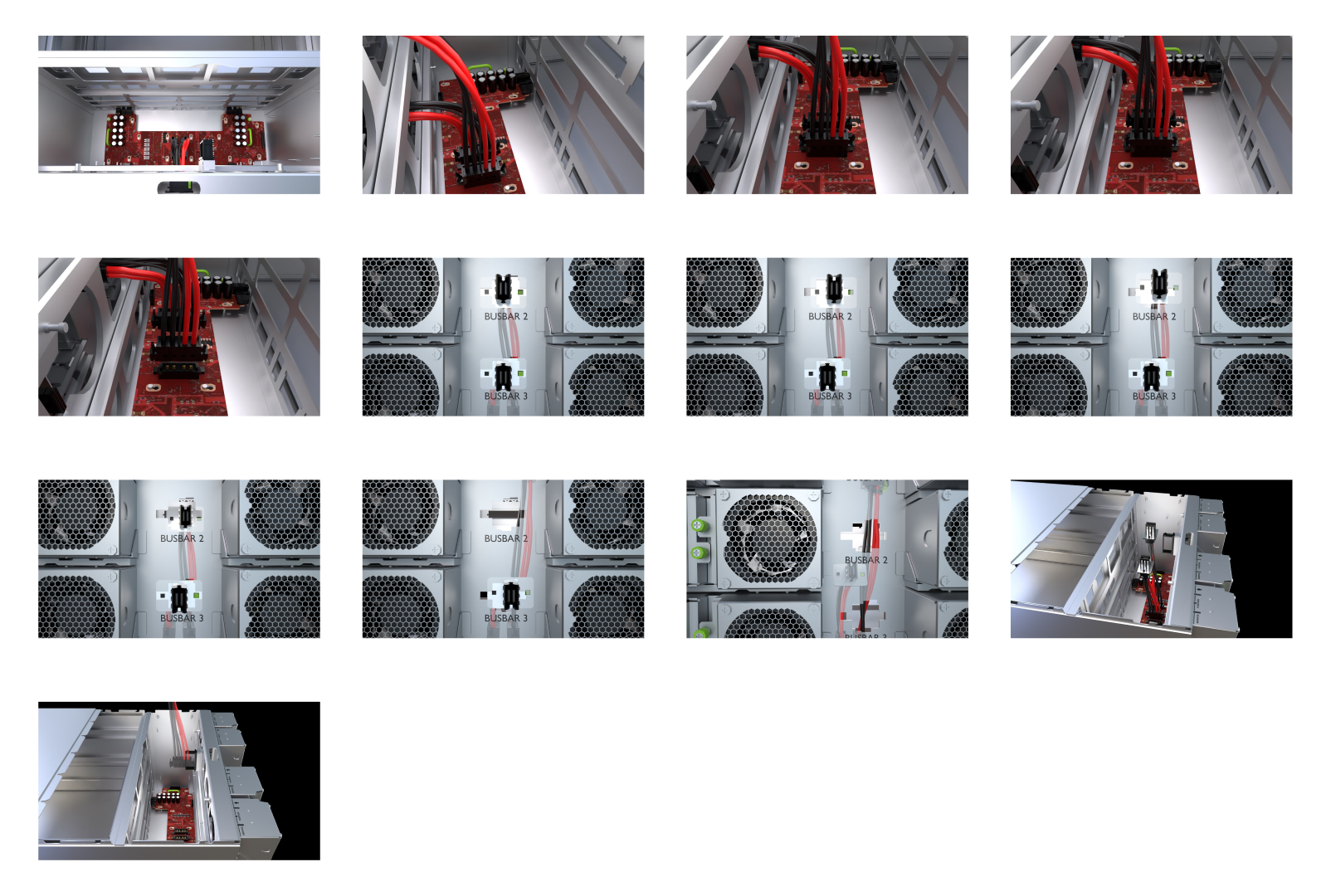
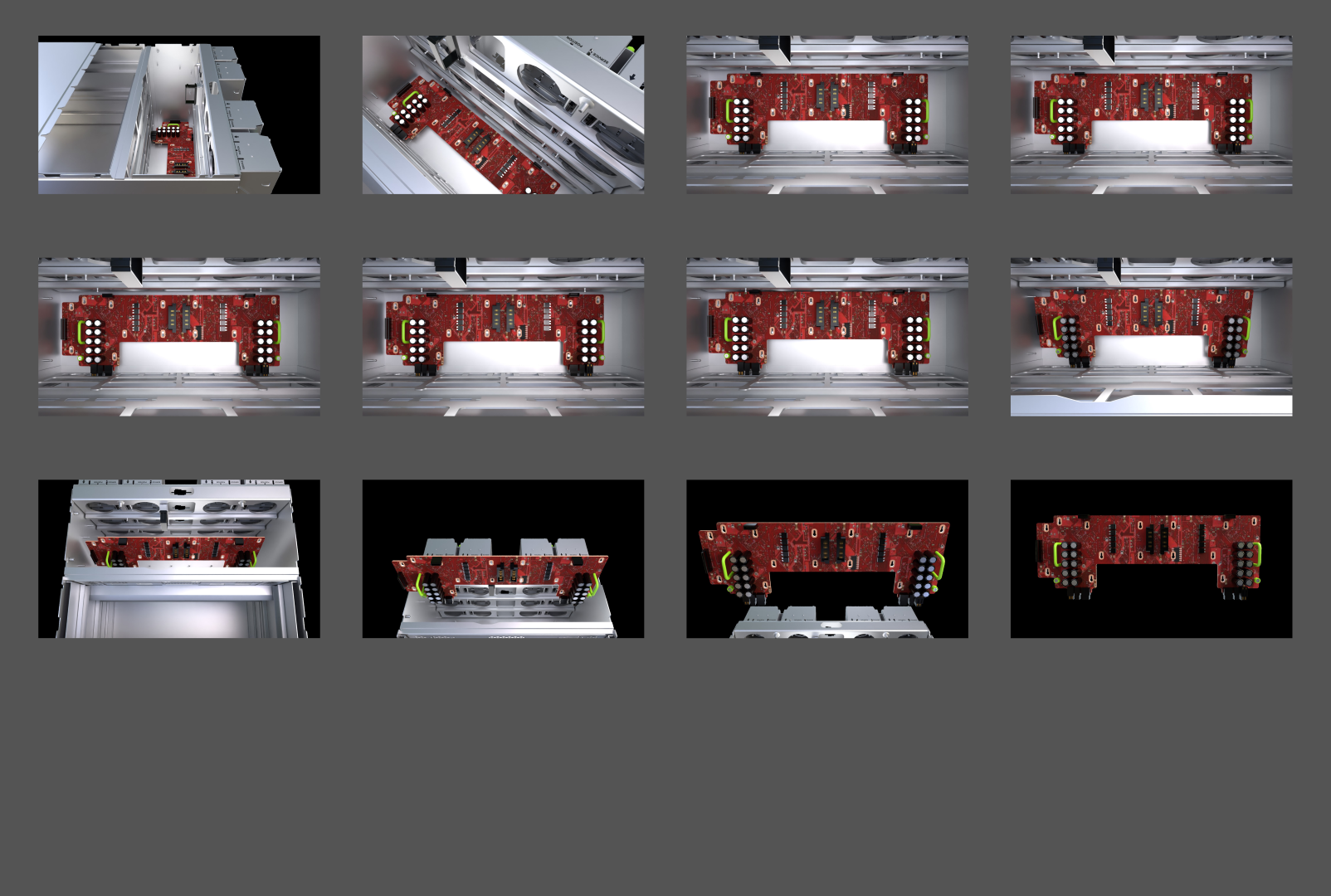
The 3D instructional videos were the heart of the project, and my playground for motion design.
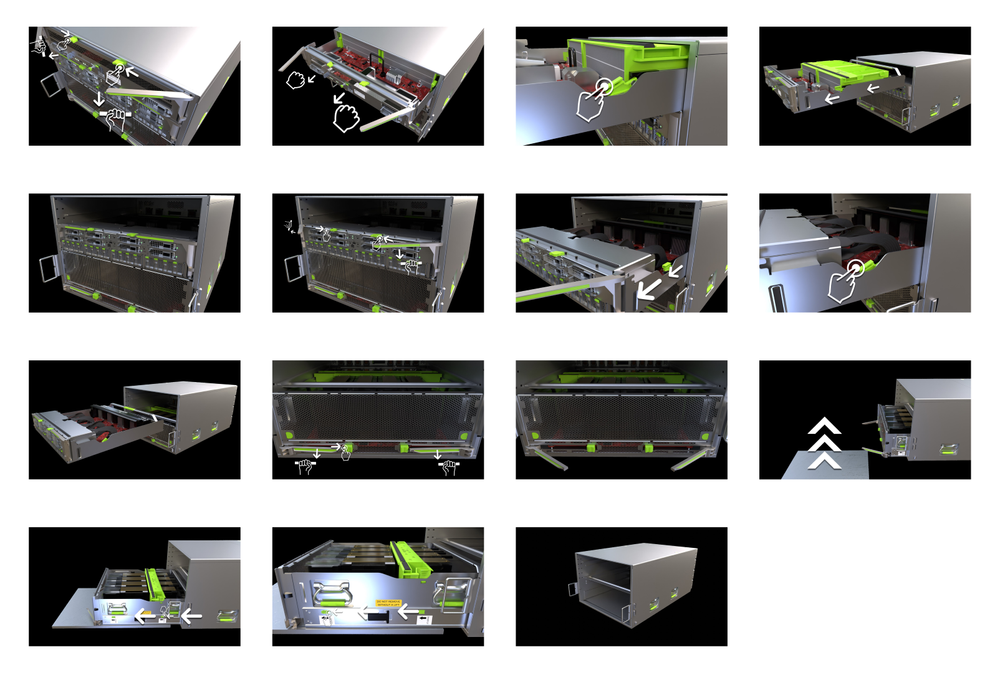
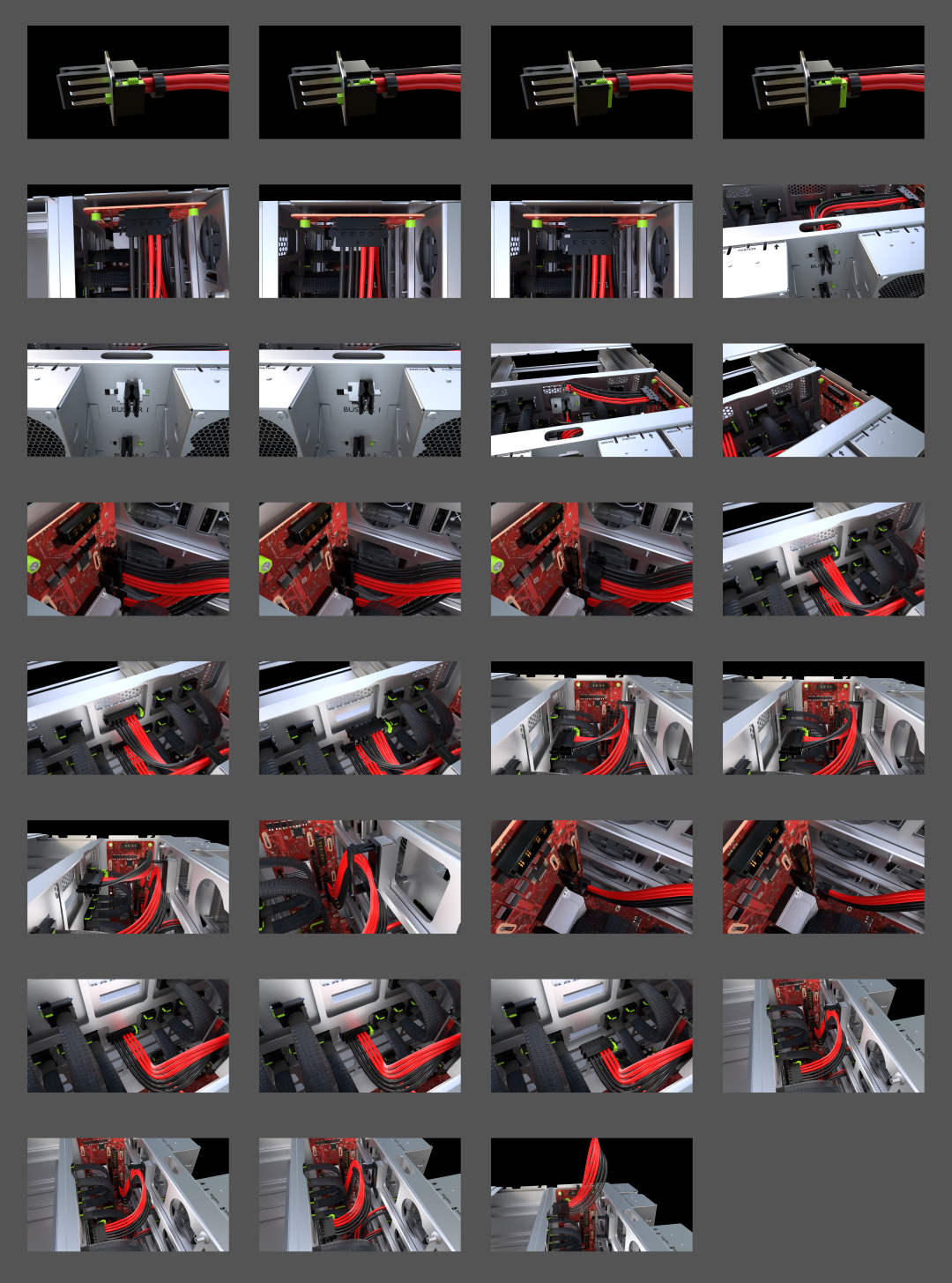
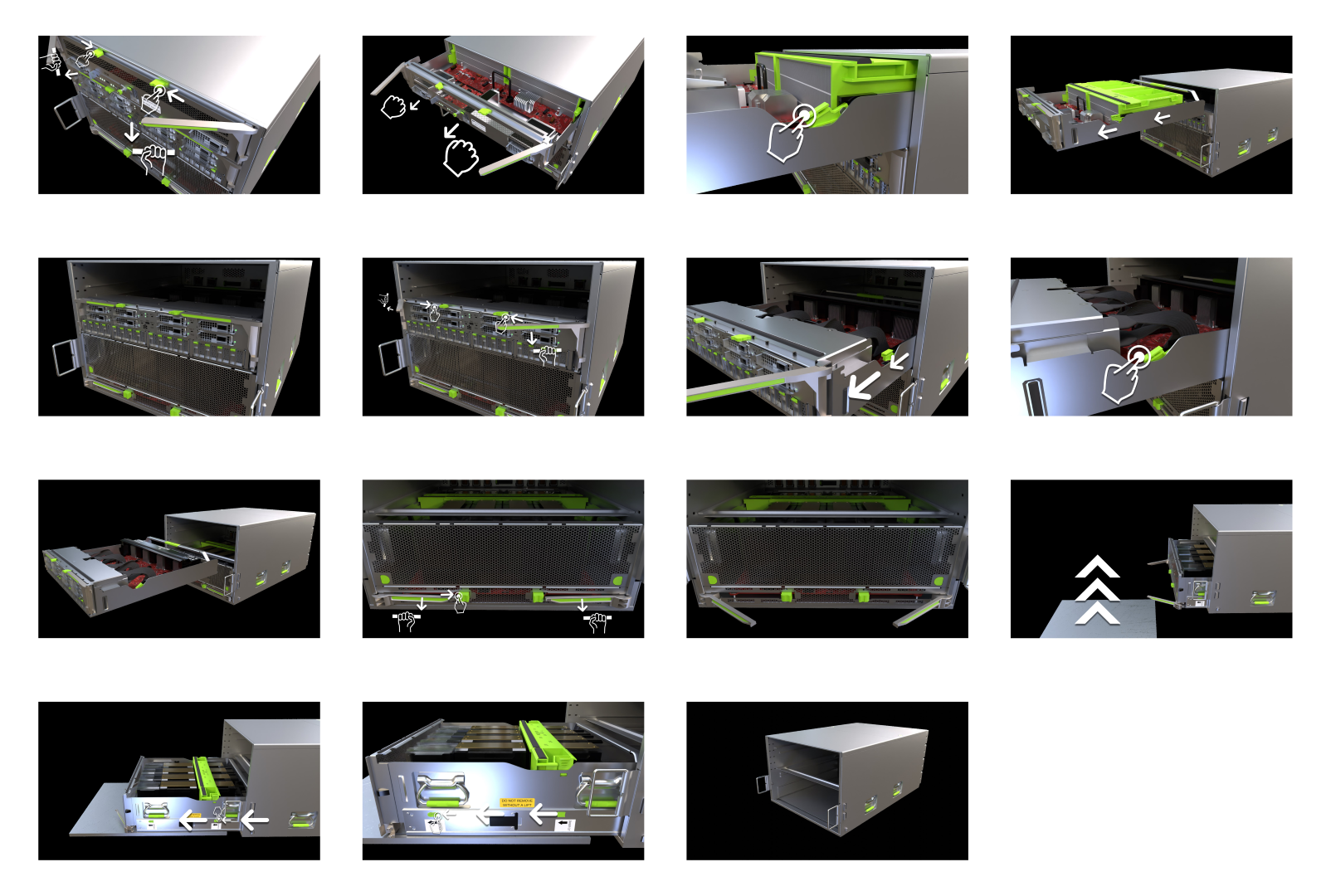
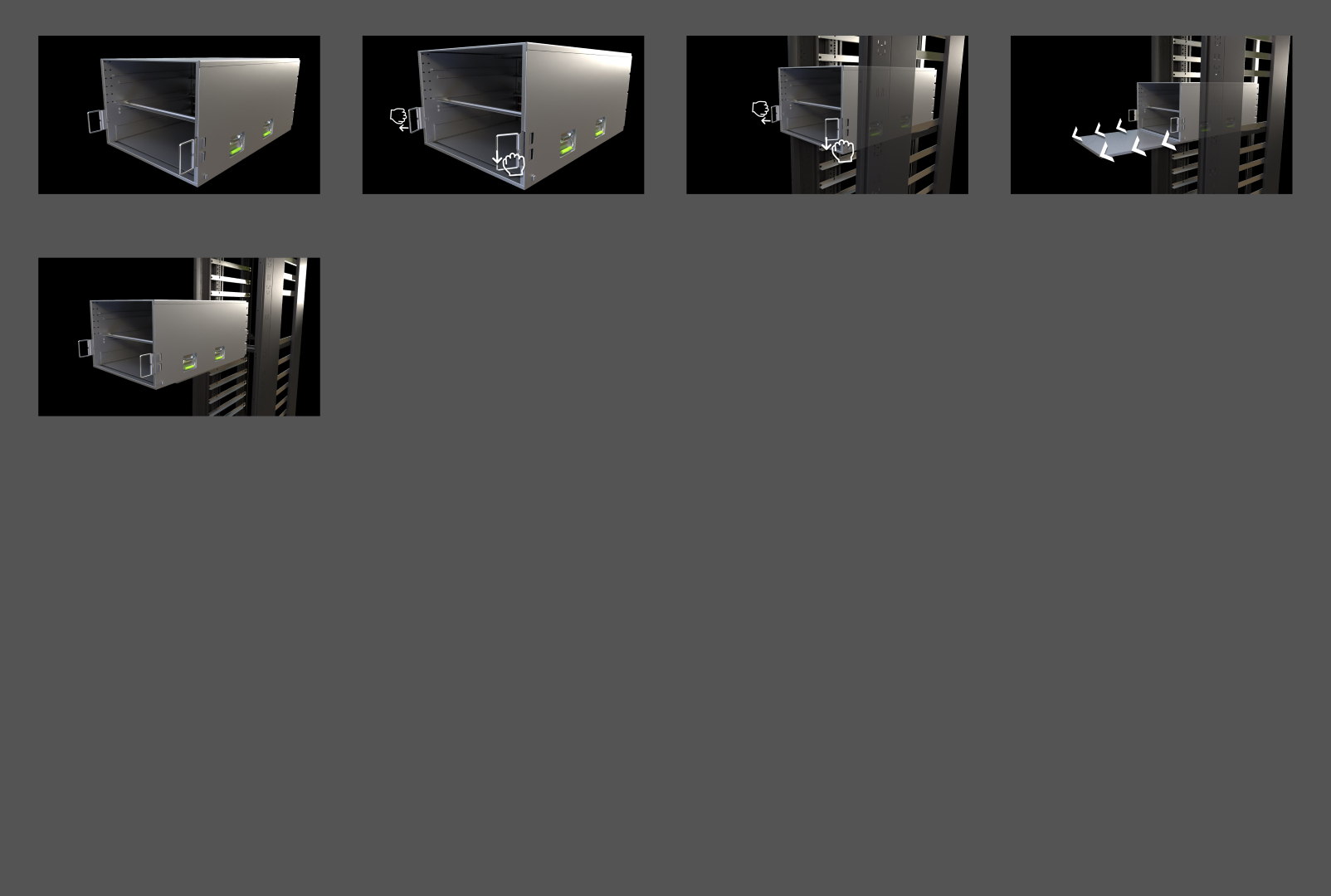
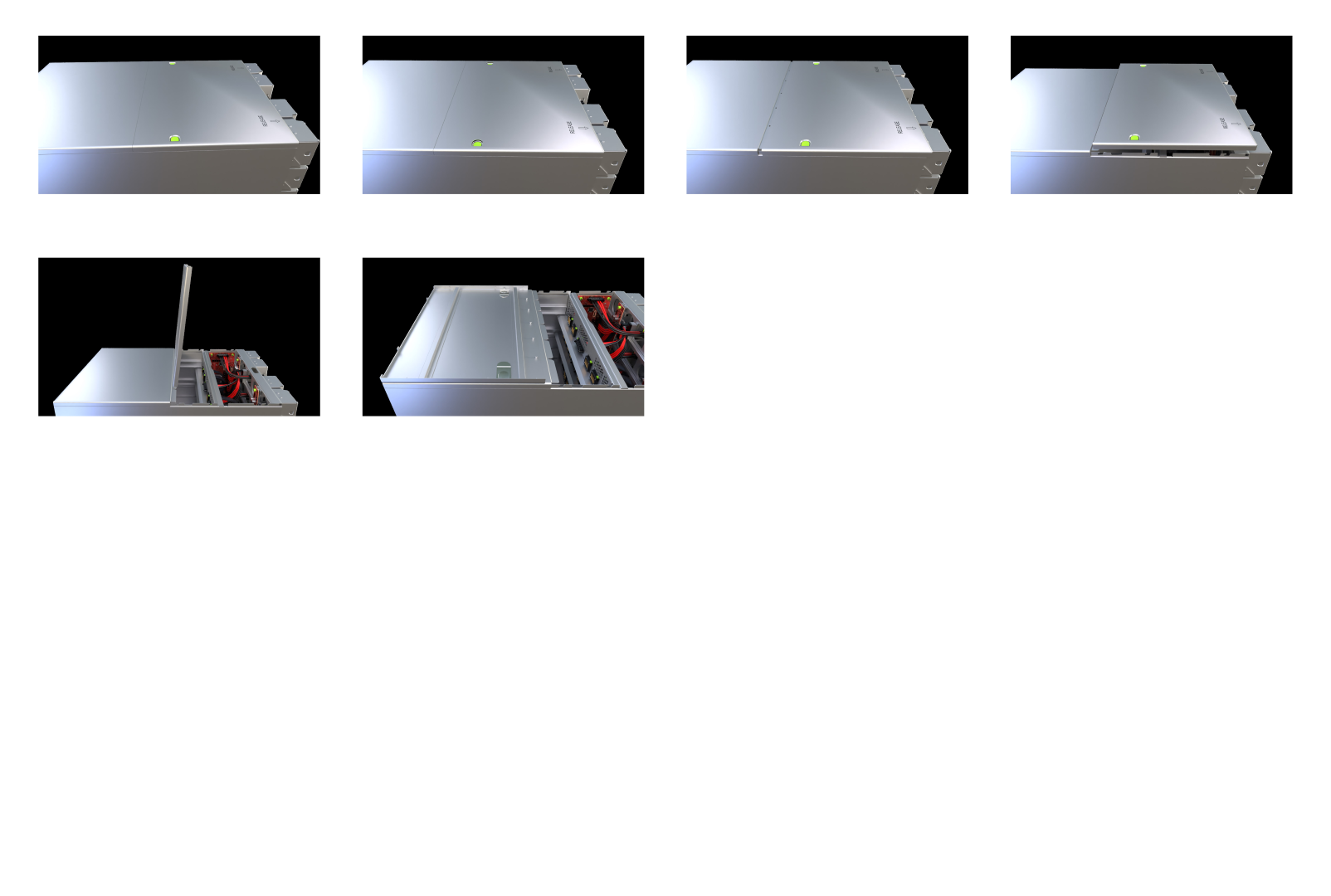
Before animating anything, I storyboarded each service procedure. That gave the team a roadmap, and made sure every camera move and highlight had a purpose and told the engineer exactly what to do next.
10 procedures
Units removal 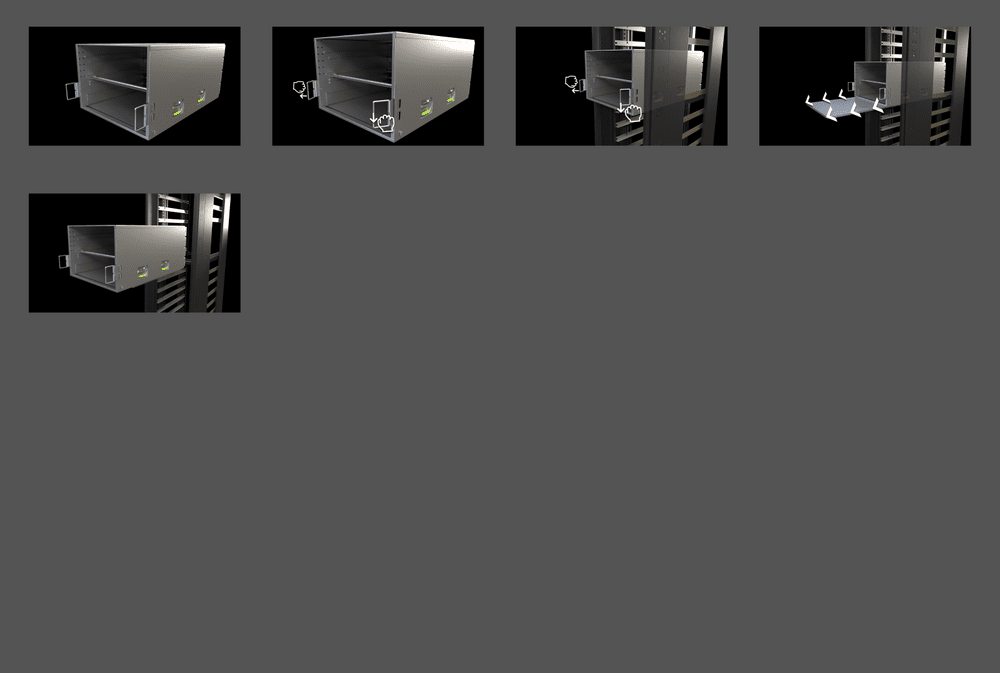
Chassis removal 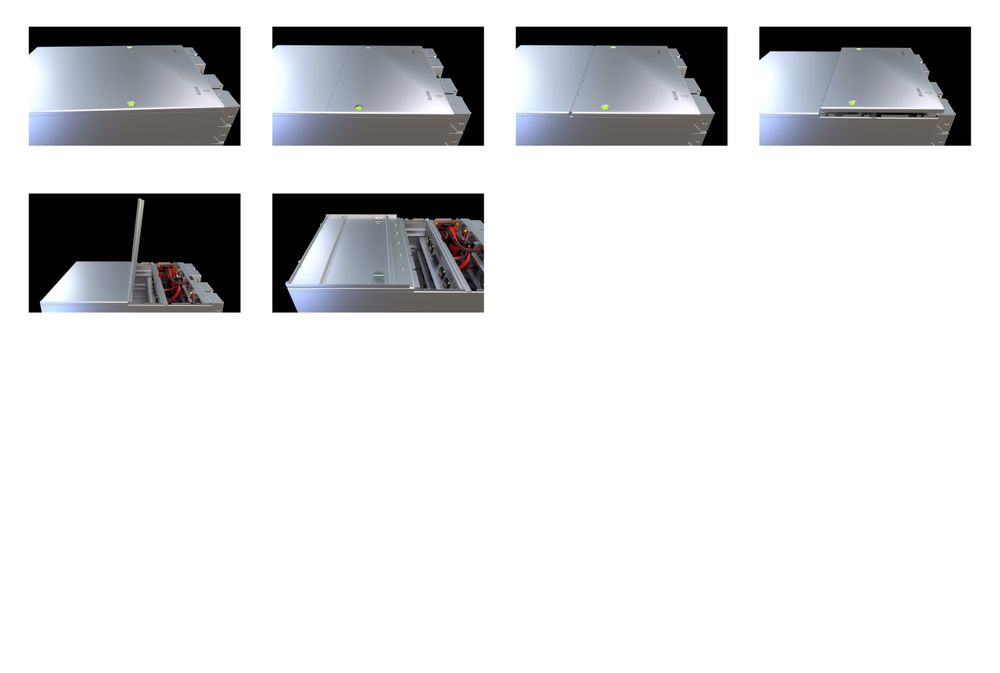
Top cover removal 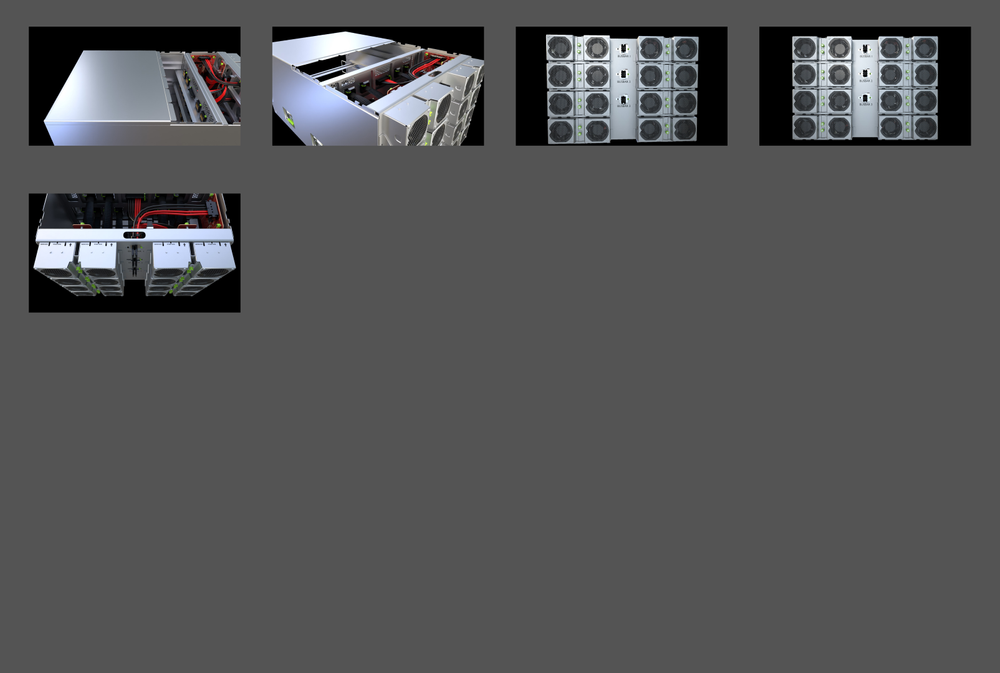
Fan service 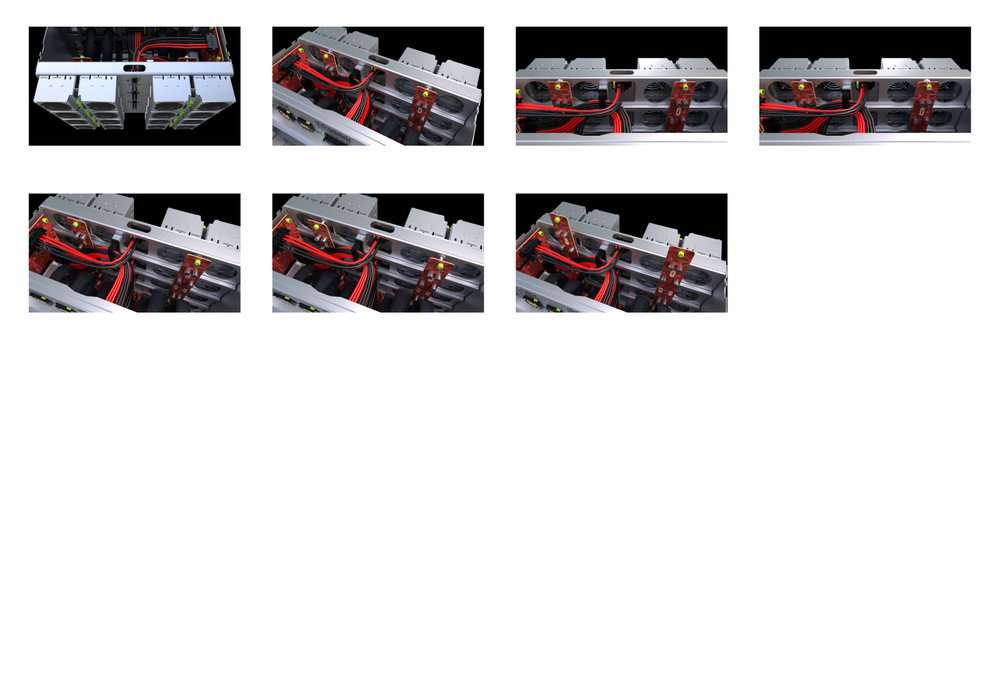
Fan board removal 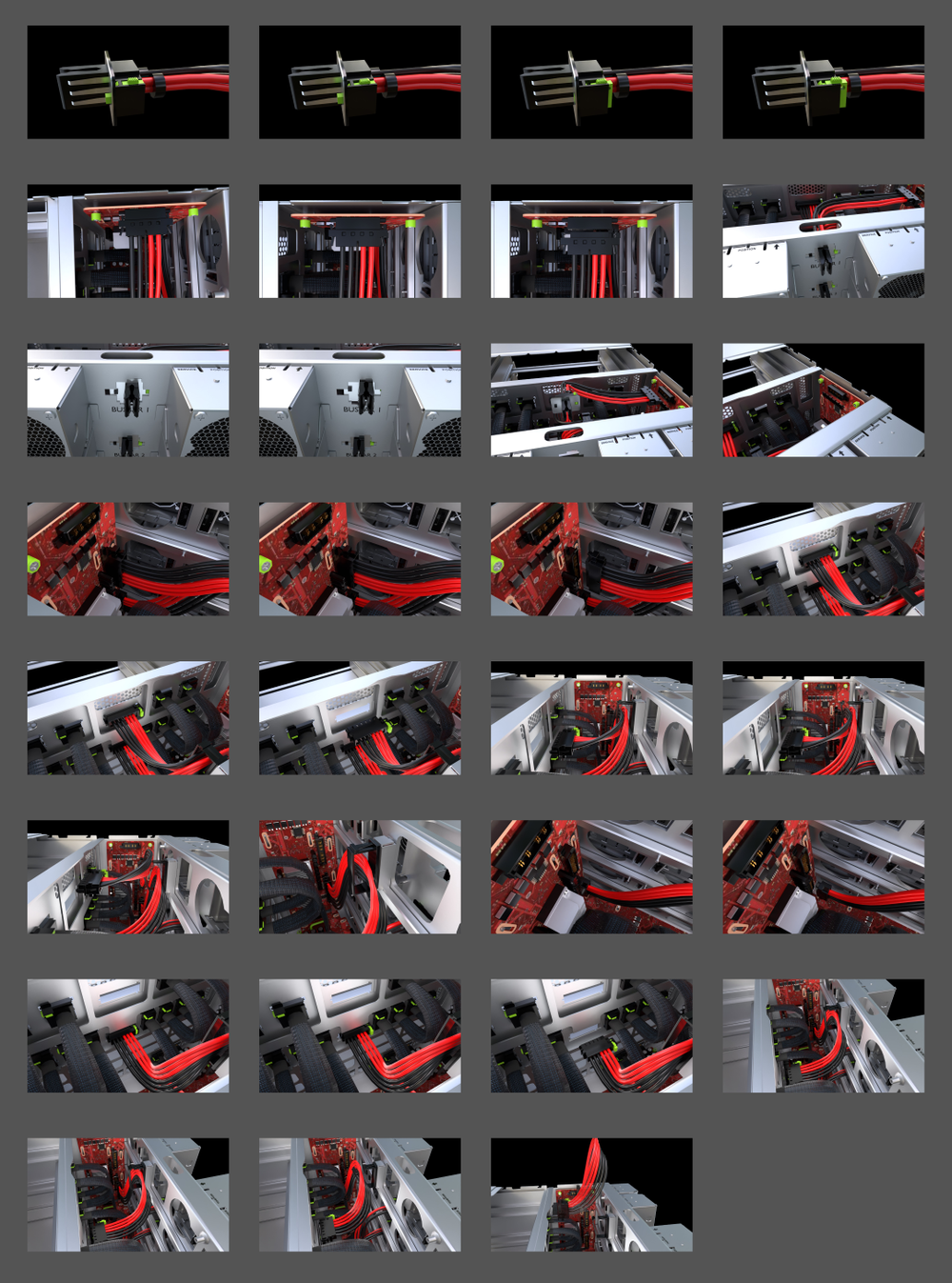
Cables & mechanics 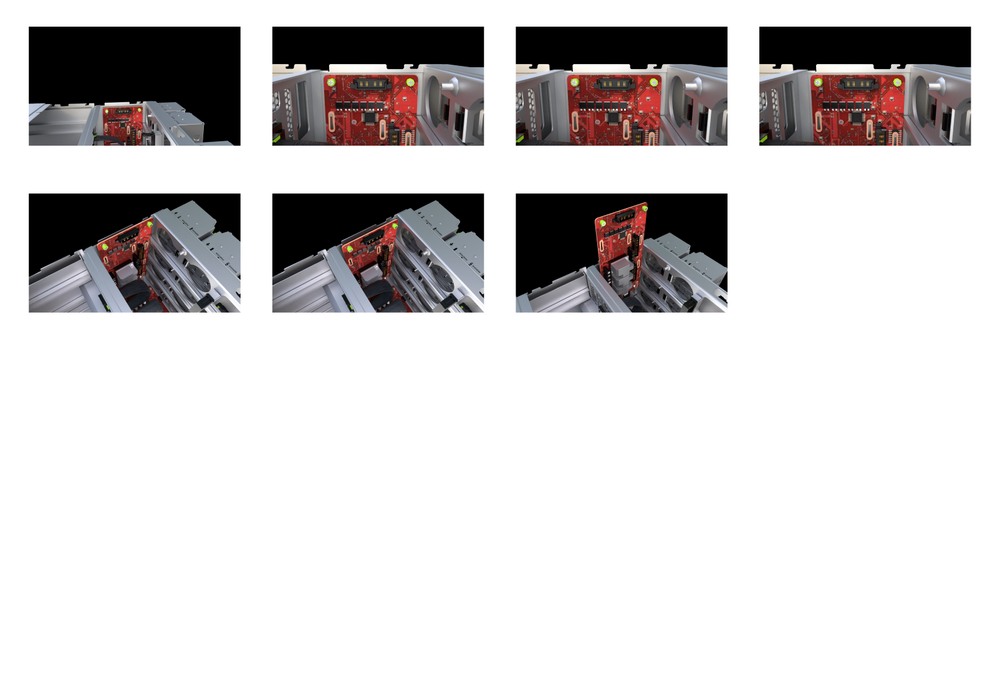
Vertical board 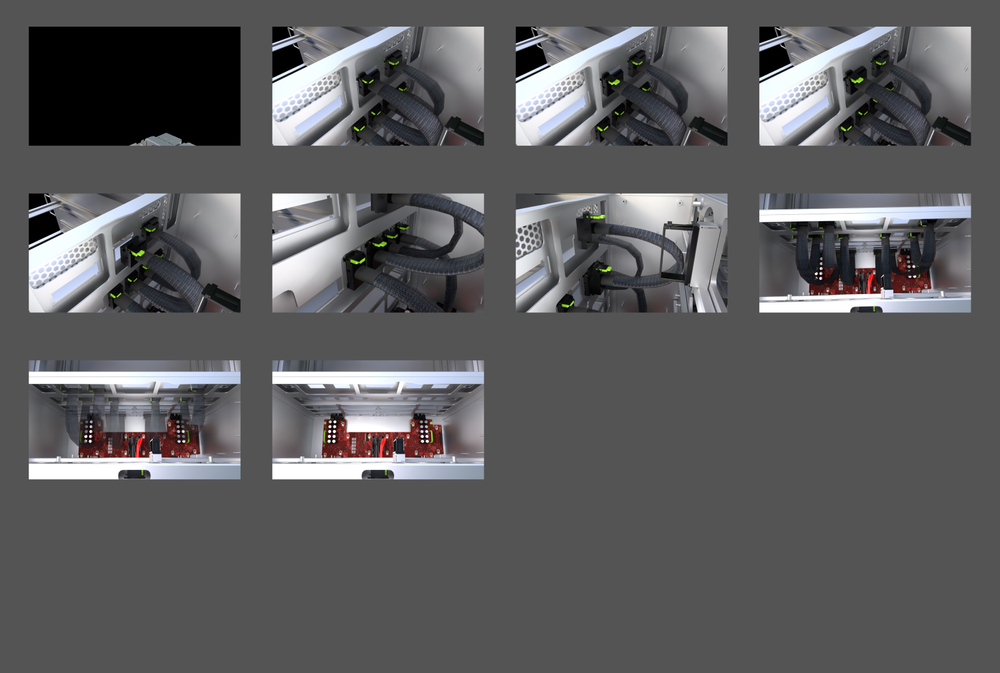
PCIe cables 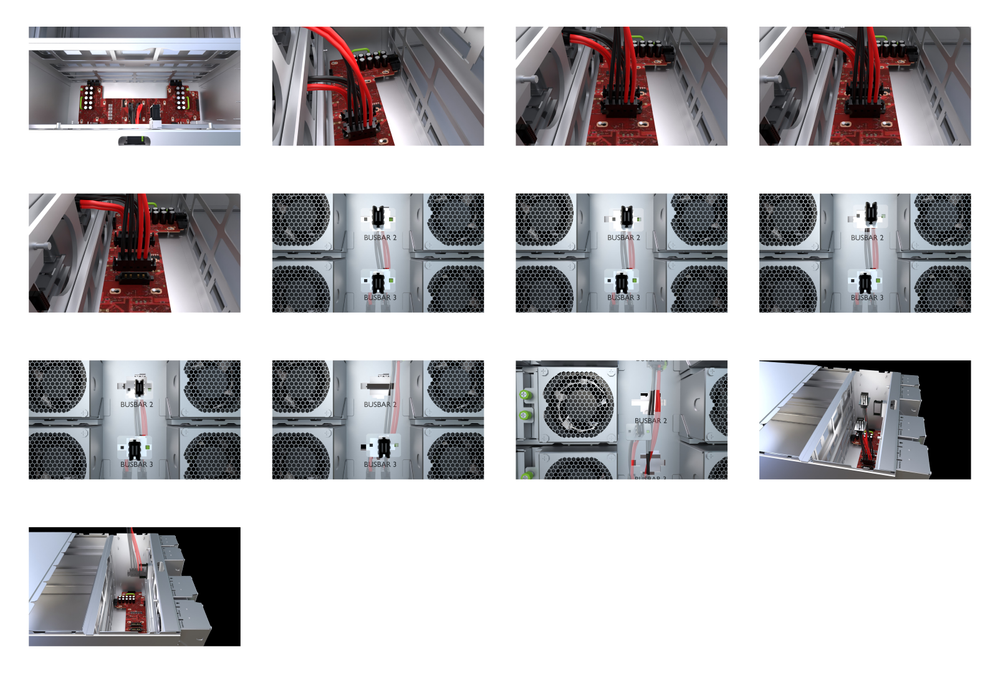
Bus bar 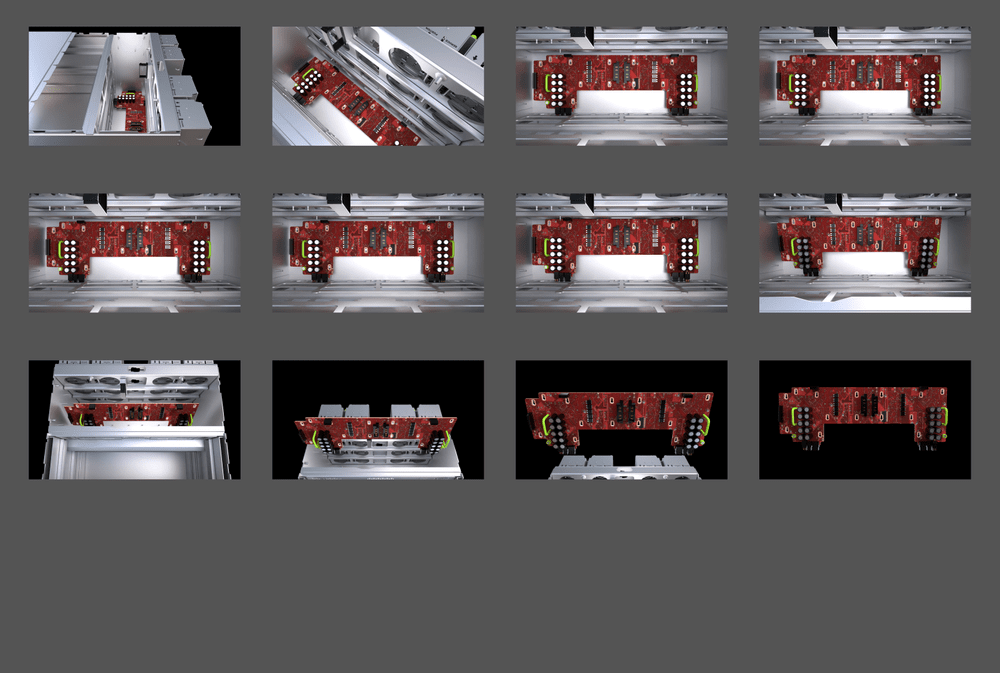
Horizontal board removal
An interface that feels like second nature
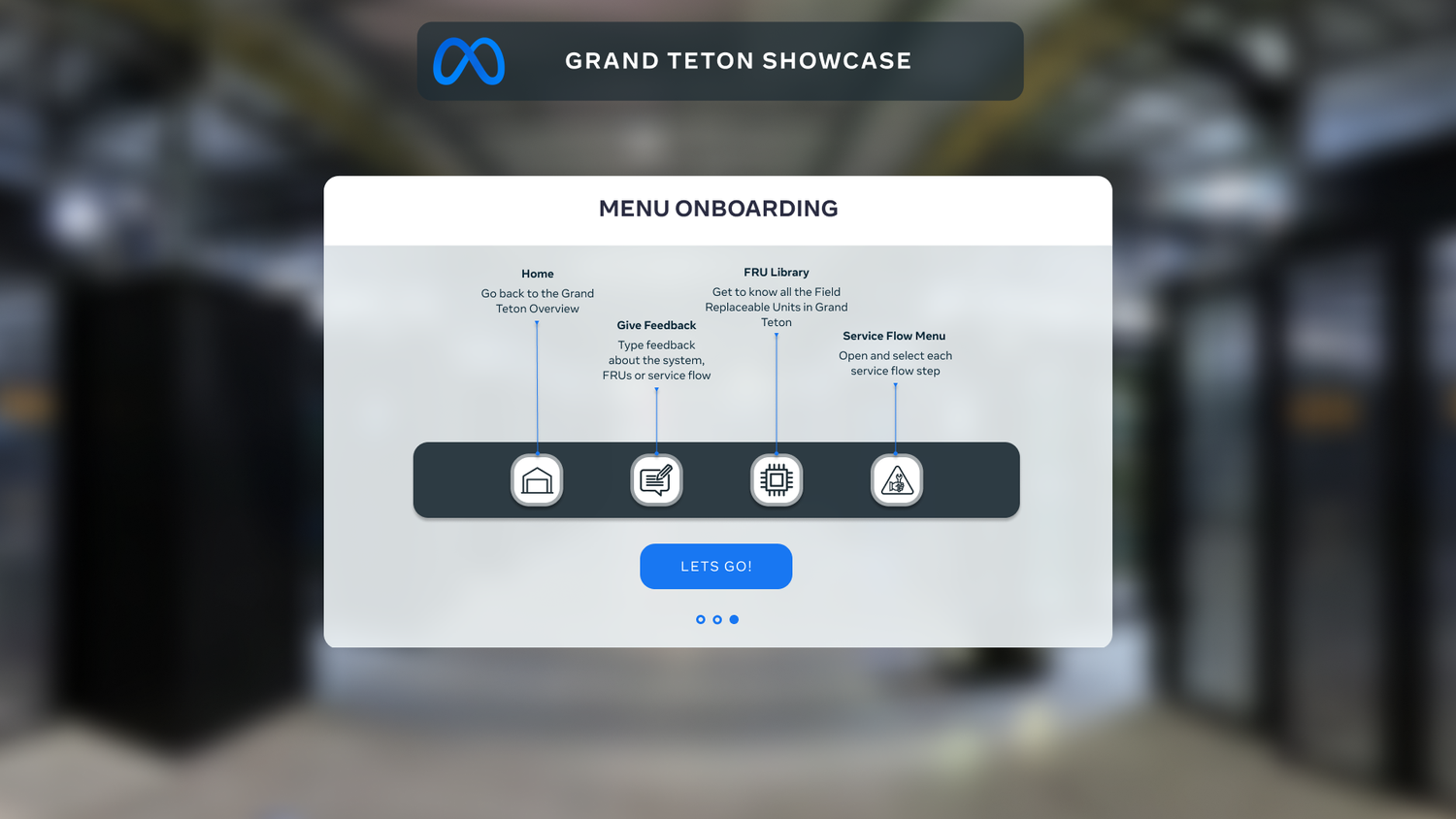
With the 3D instructions done, I shaped the UX and UI for the whole VR app.
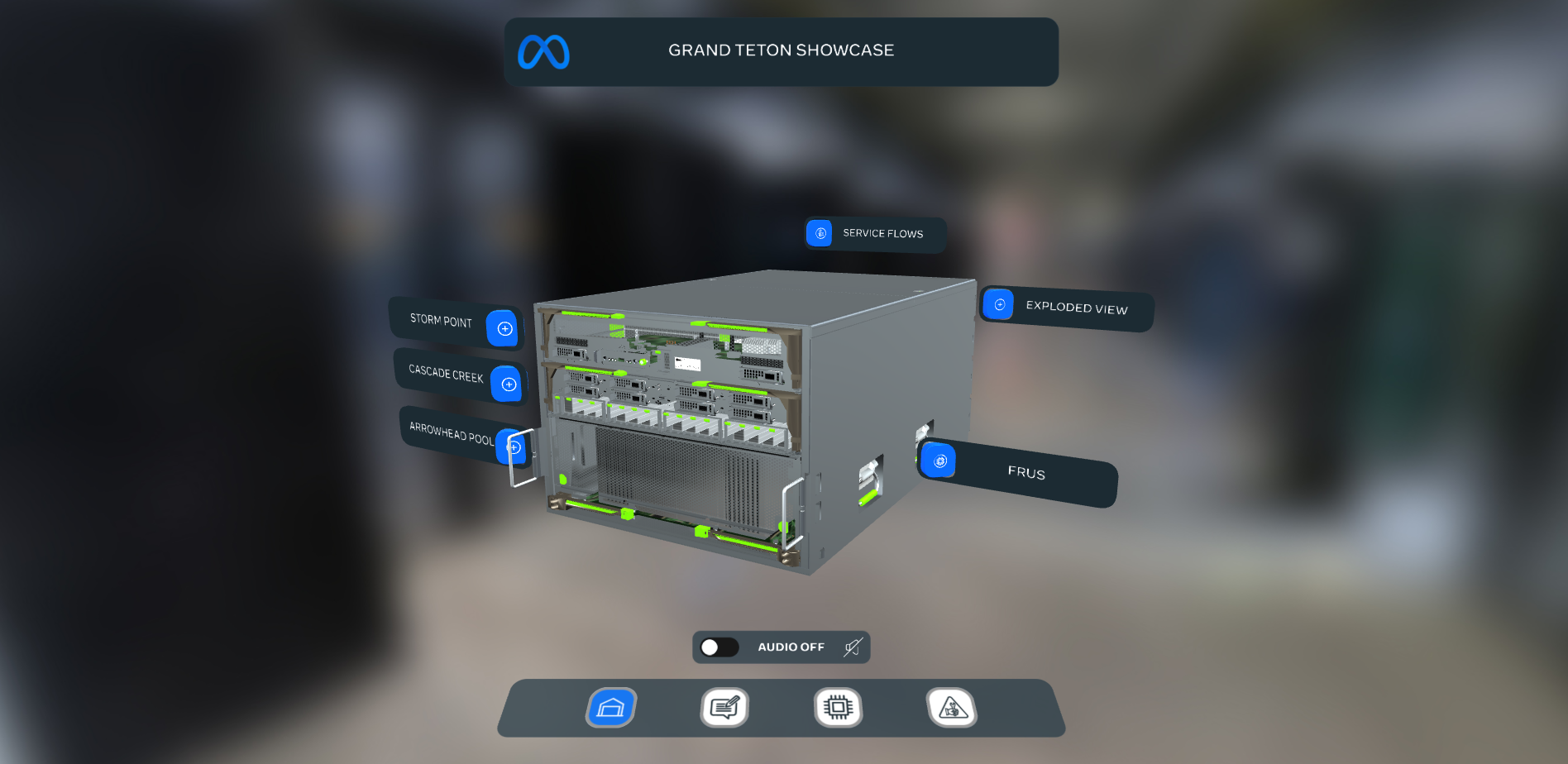
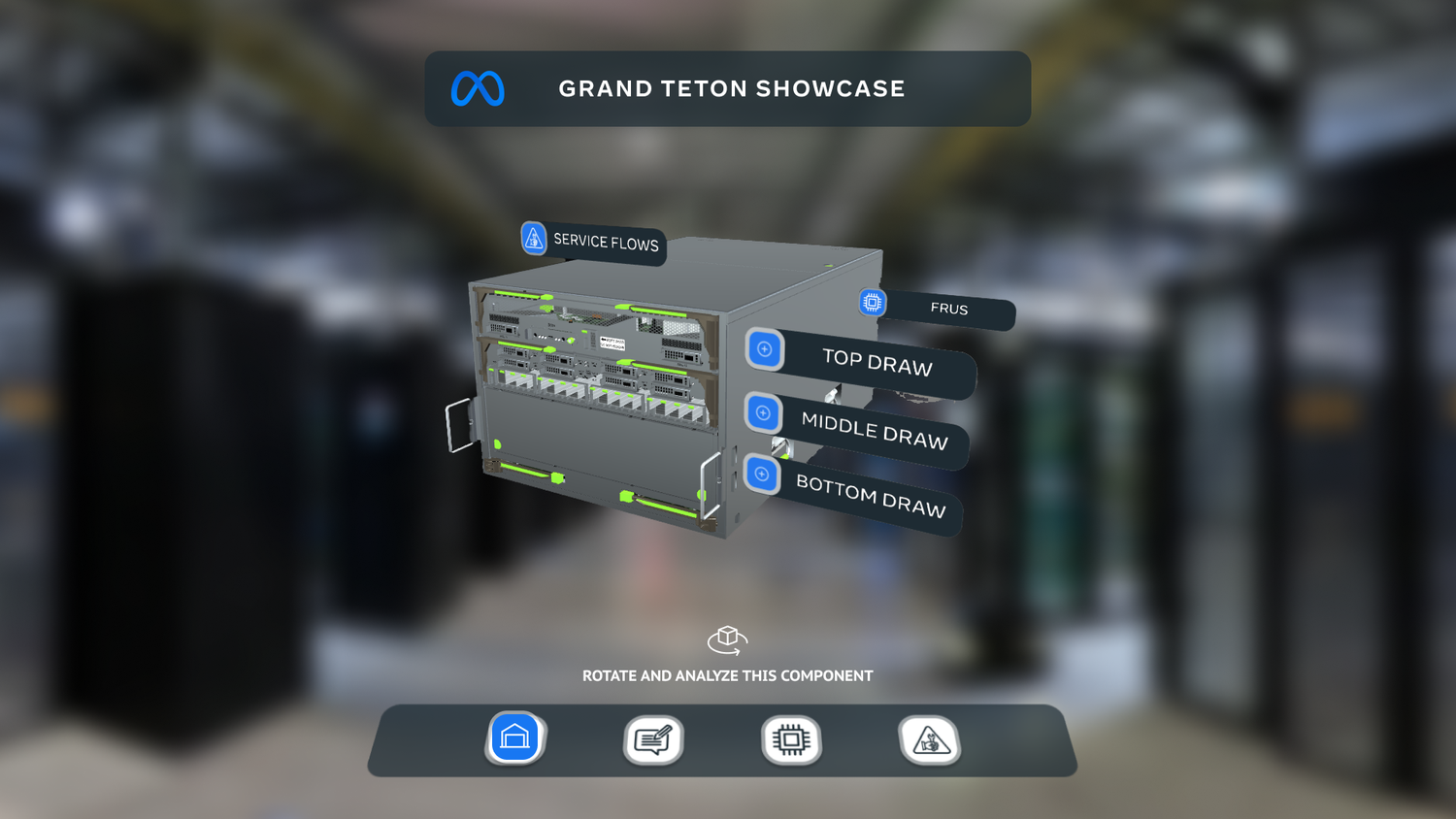
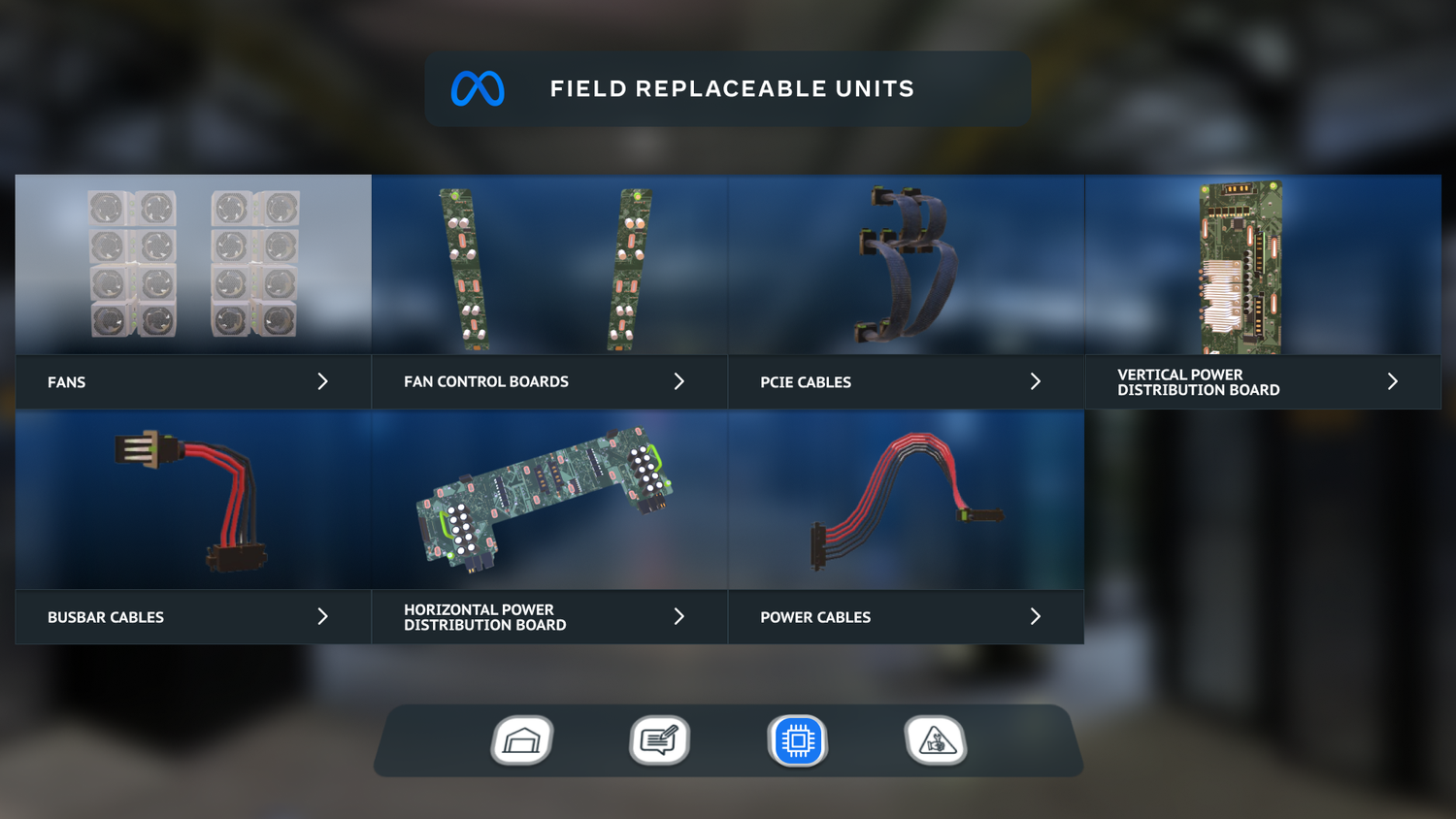
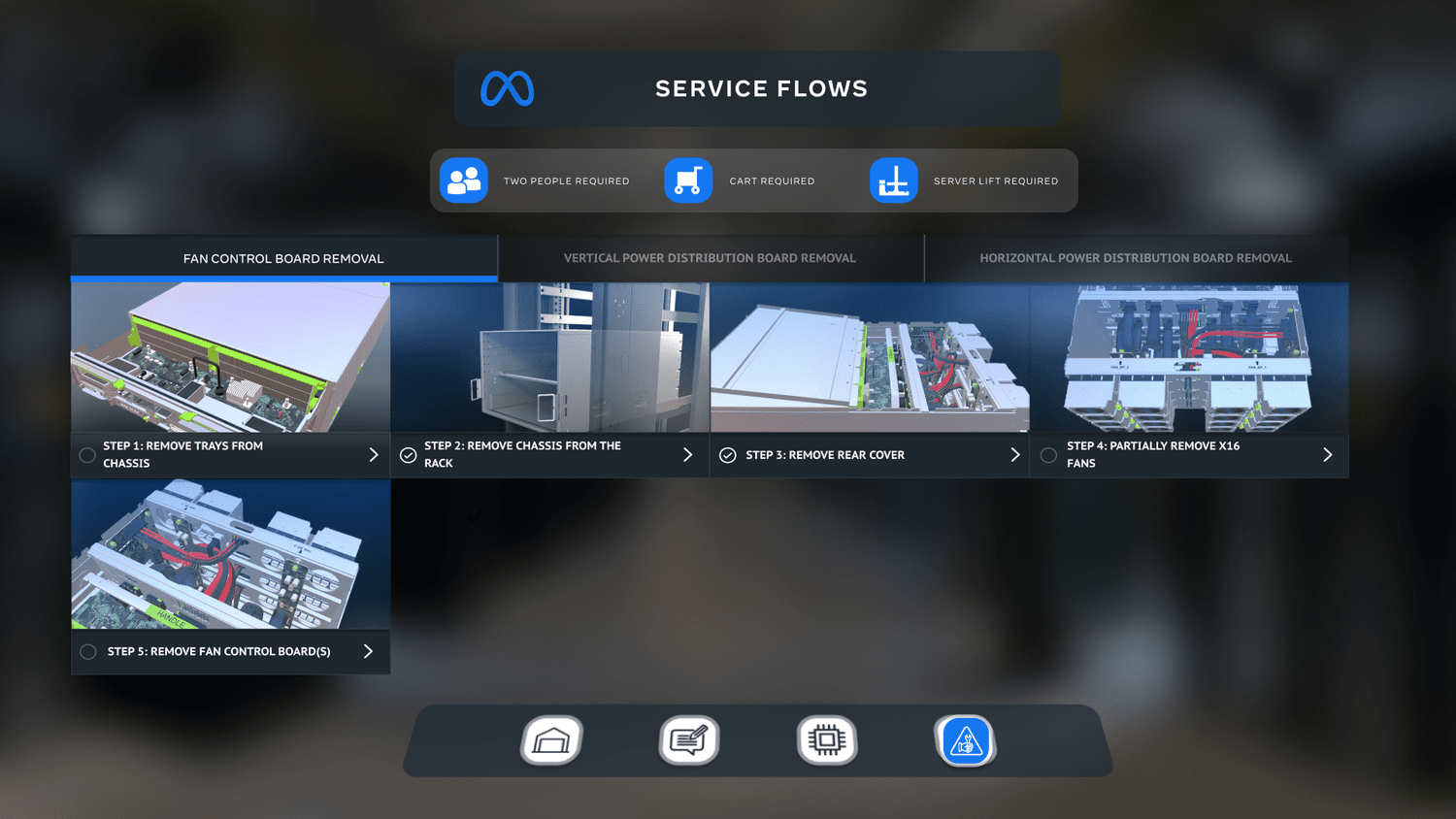
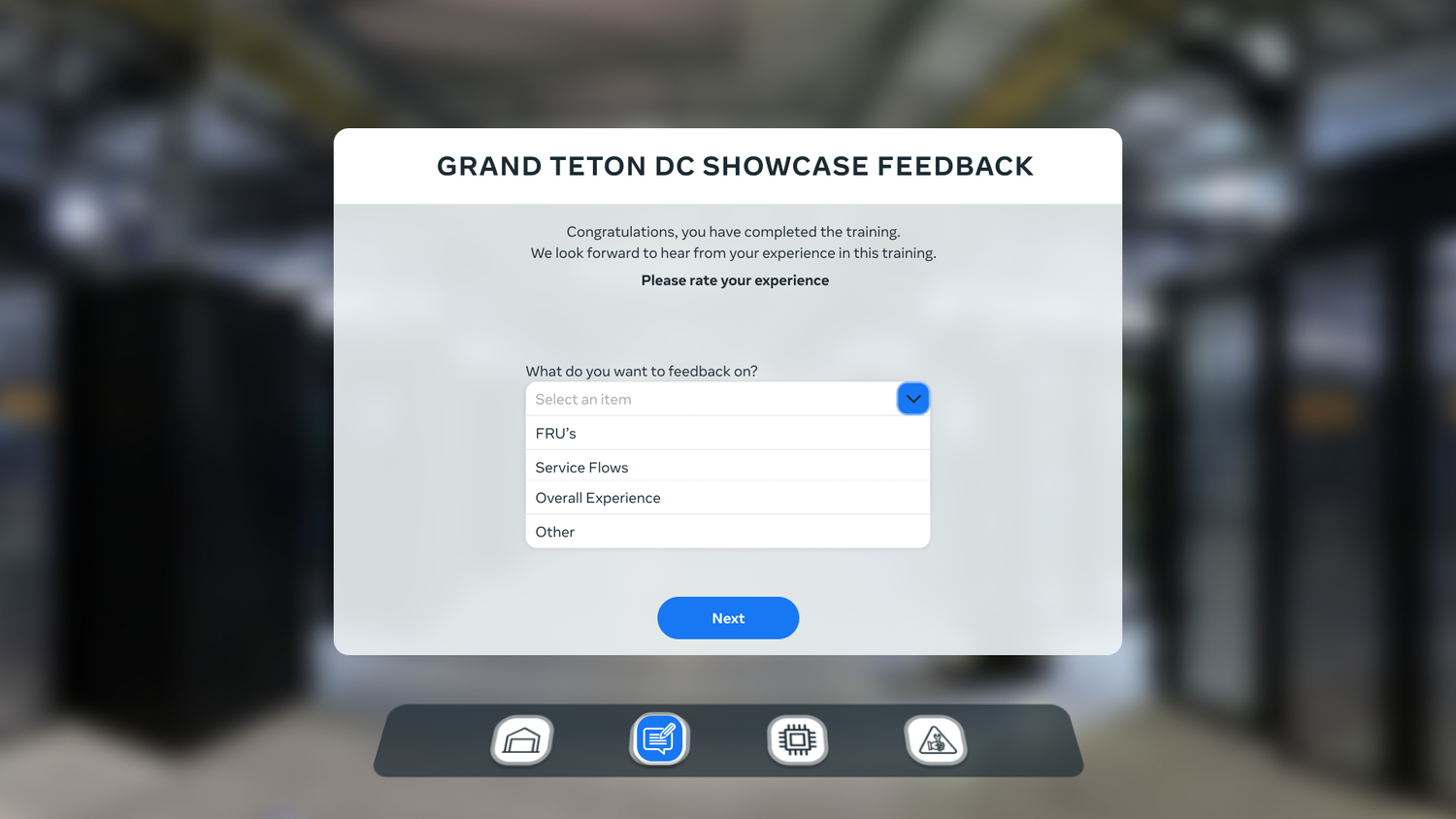
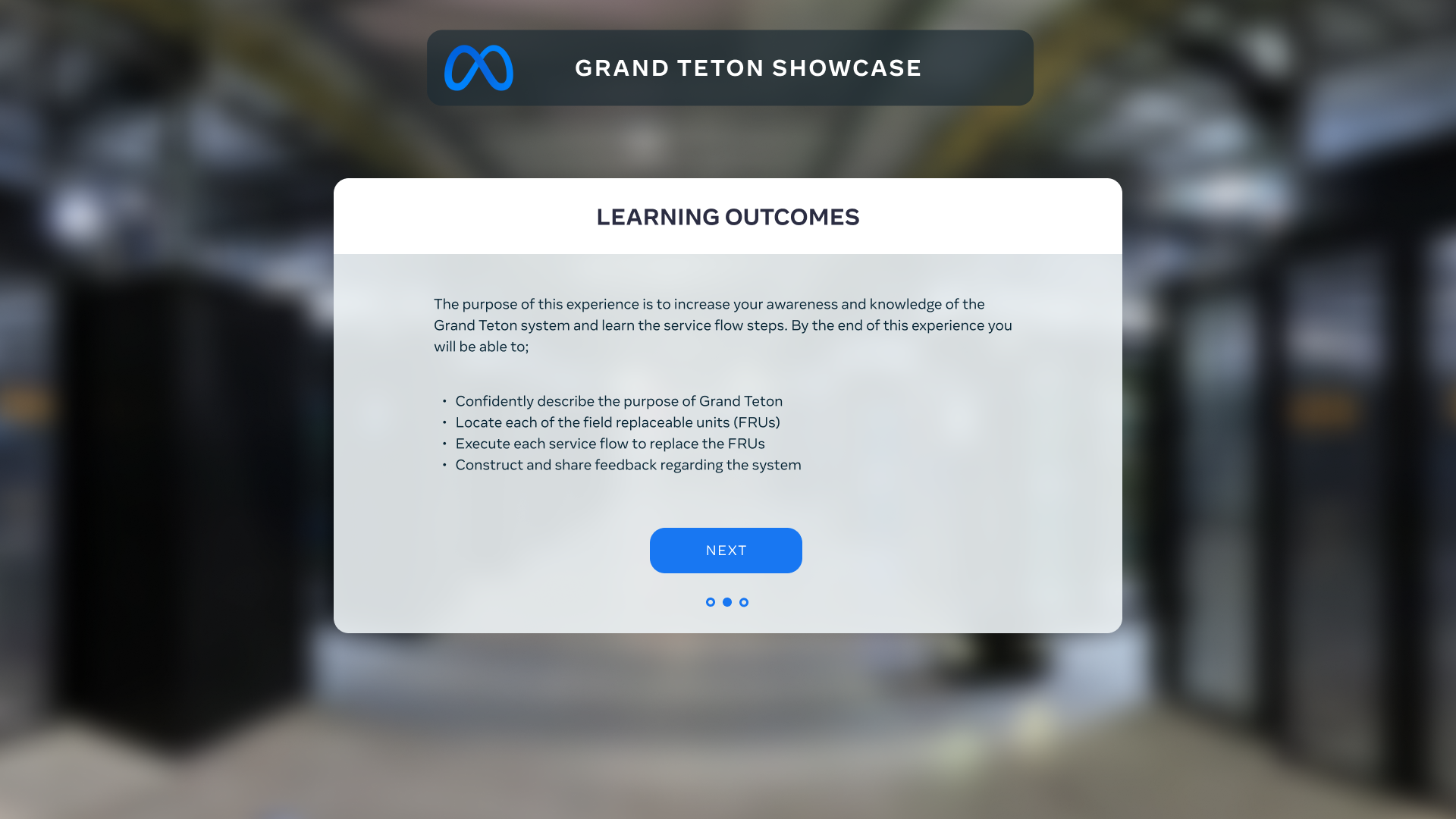
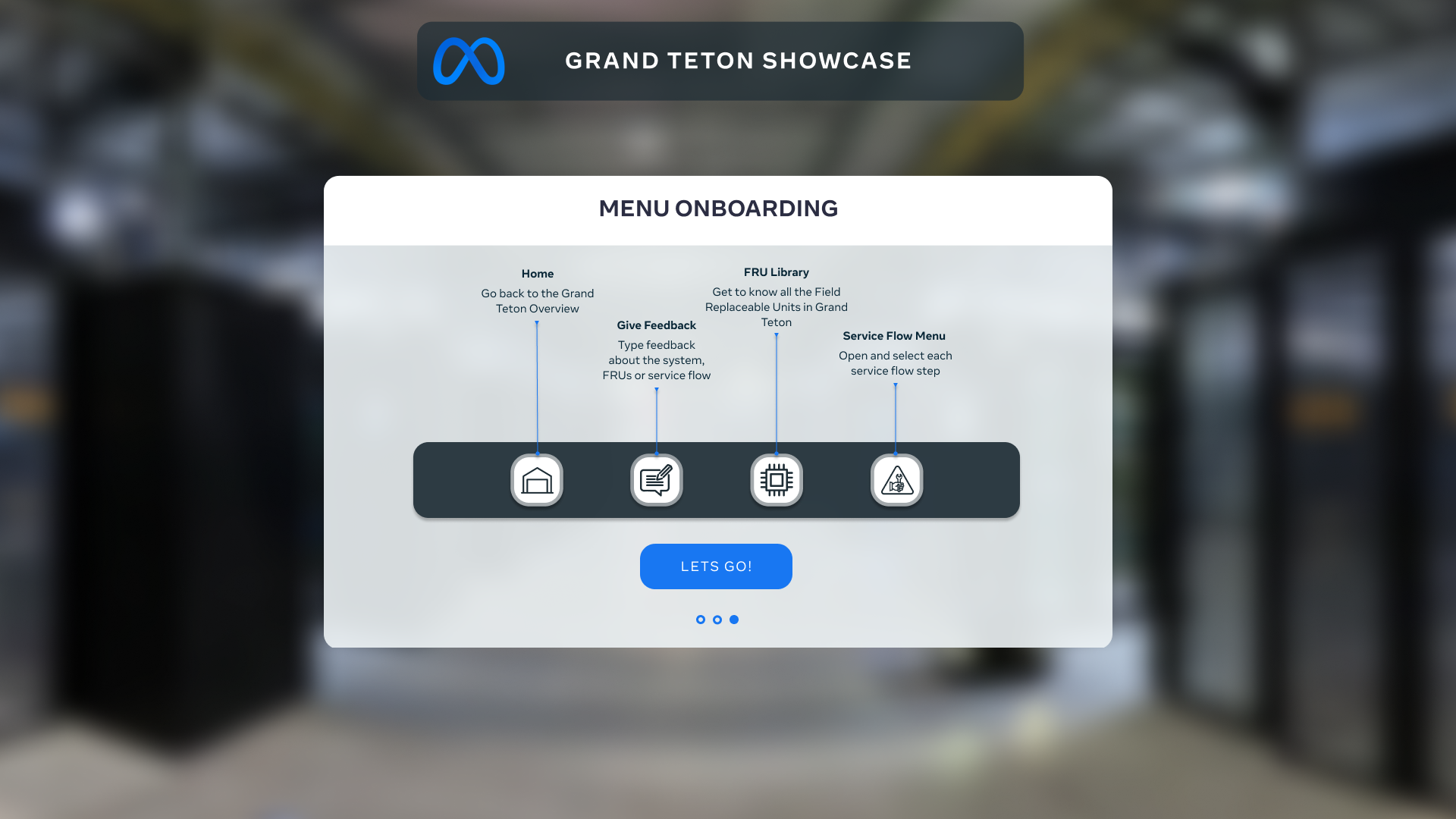
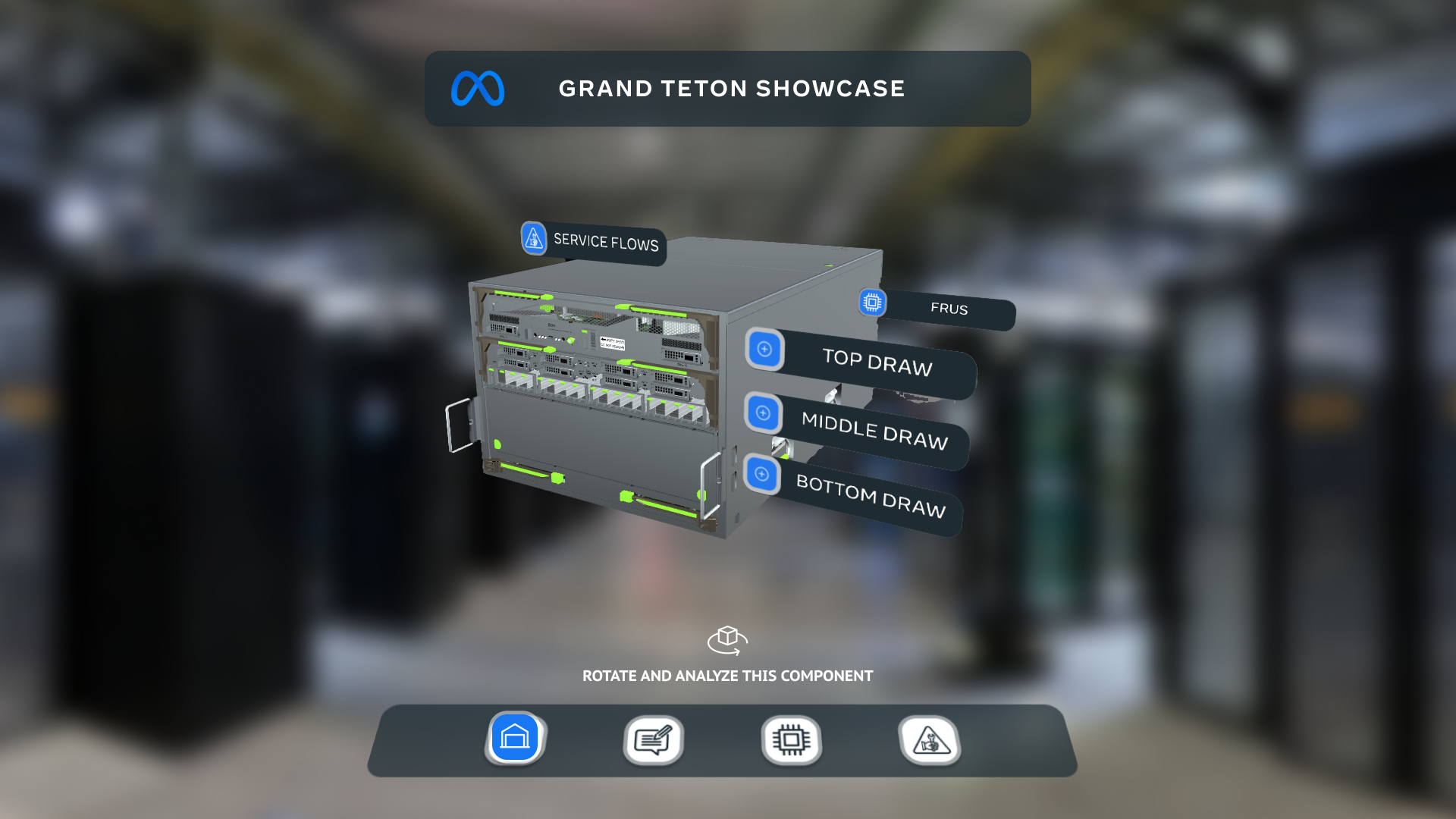
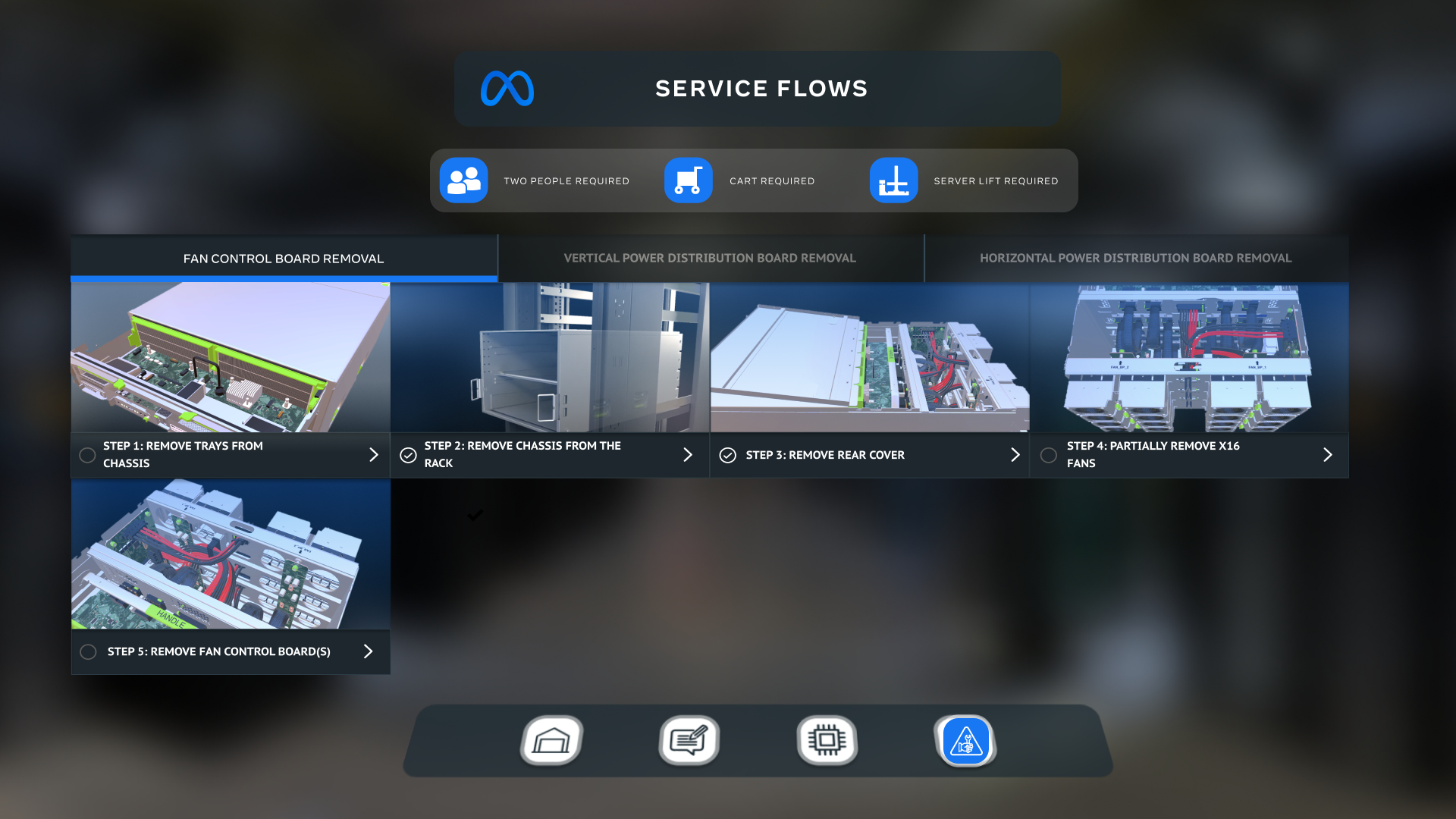
The aim: every point, tap and selection should feel natural, so engineers focus on the hardware rather than the controls. The server sits at the centre, with each part and procedure one step away.
- Labelled 3D hotspots
- Exploded view
- Guided service flows
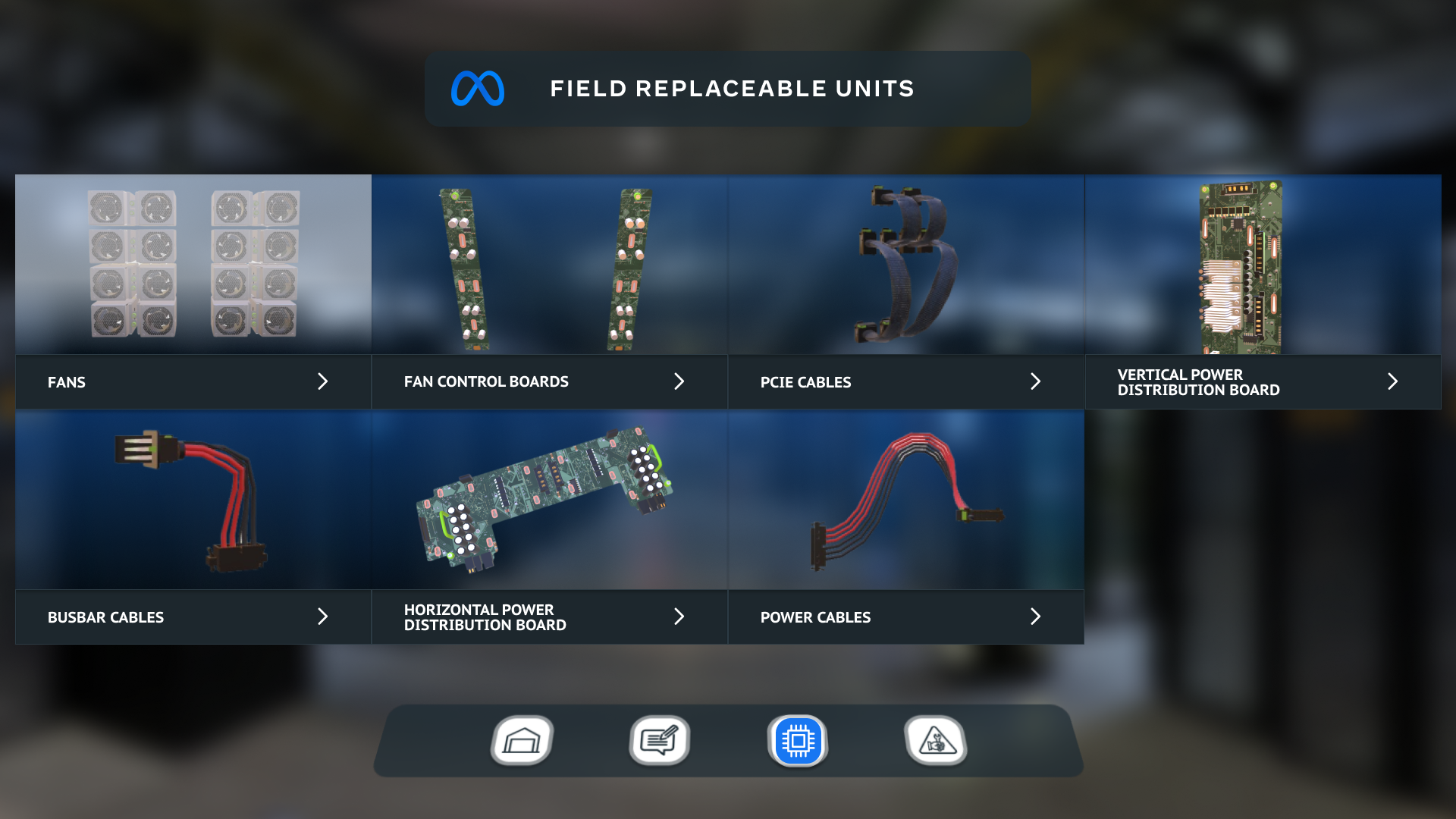
- Replaceable parts (FRUs)
- Audio narration toggle
From demo to debut
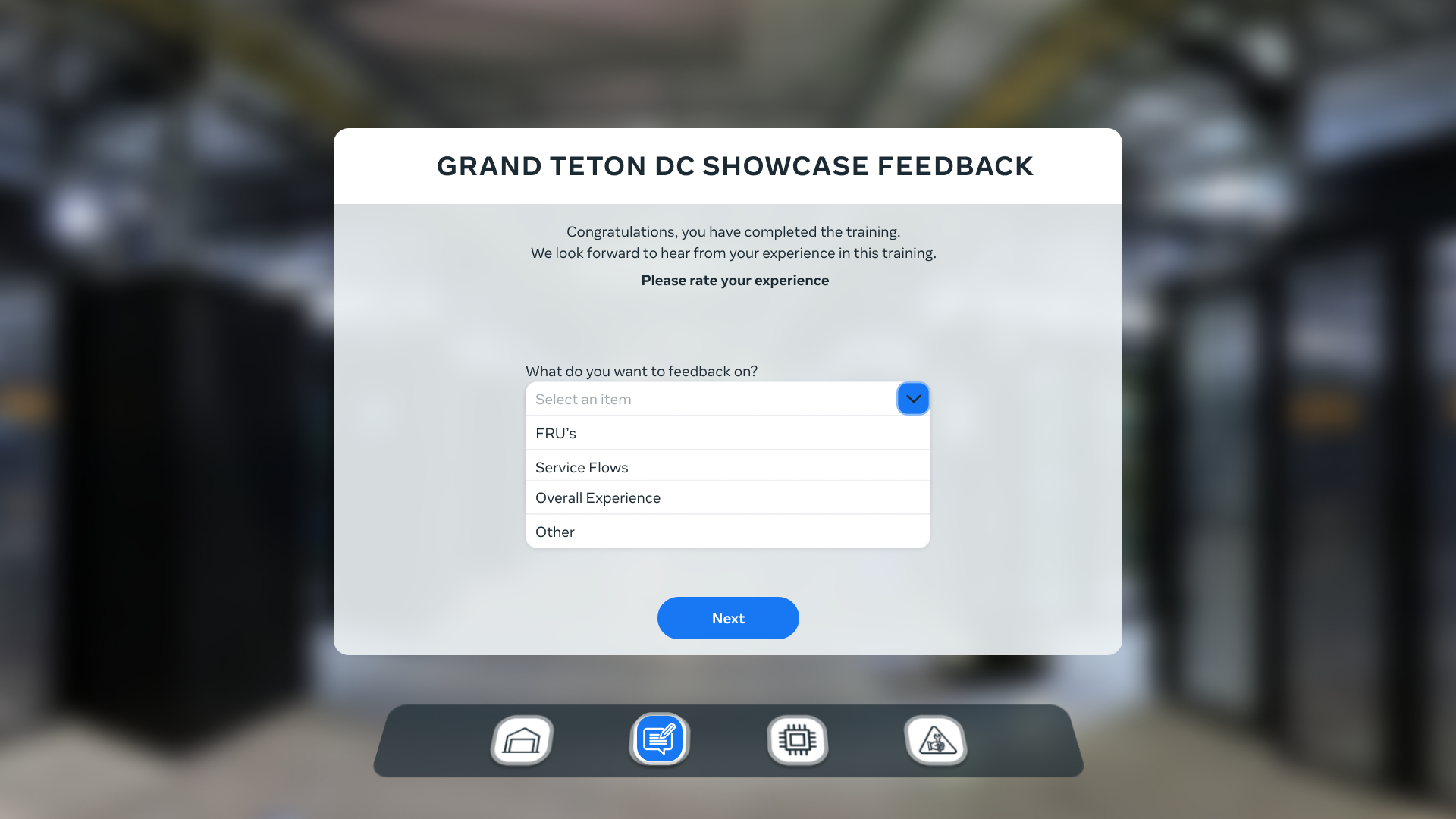
We released a demo to the client’s in-house team so they could explore it before the official training launch.
Their feedback helped us find and fix bugs, and fine-tune the app before it reached their engineers.
- Delivery
Shipped on the planned release date
- Reach
One experience across VR, mobile and tablet
- Quality
Tested in-house by the client before launch
What I took away
Systems buy time
Designing inside an existing system freed time for the moments that matter most: here, the motion.
Storyboard first
Planning every shot before animating kept complex 3D instructions clear and purposeful.
Test early, even without research
When you can’t reach users, regular client checkpoints and in-house testing are the next best signal.
META - Grand teton DC SHOWCASE
Work for Finer Vision
UI/UX & Motion Design
⏲️ Duration
12 weeks
Focus on UI/UX Design
VR Training app
👨💻 Role
UI/UX Design
Motion Designer
📝 Methods
Usability Testing
Research
UI Design
Motion Design
🧰 Tools
Figma
Illustrator
After Effects
📦 The Product
A VR training platform for meta engineers to assist them on malfunctions of the Grand Teton Servers.
🎯 The Goal
Assist the engineers in training for their new platform and give them a medium where they could have assistance immersively or just on a phone or tablet.
🗠 Method
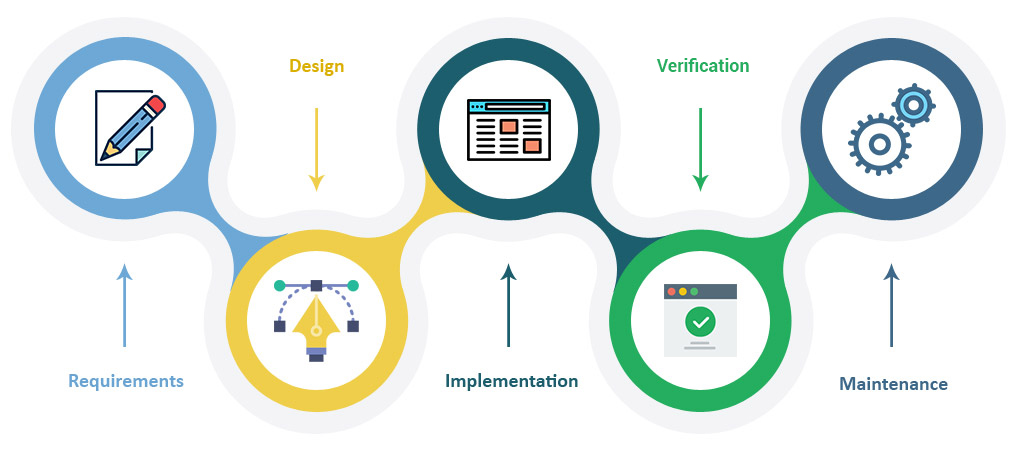
Unfortunately, we couldn't do much user research for this project, so we went with the waterfall model. We started by talking to the client to understand their vision and needs. Then, we came up with ideas in the design phase and got their feedback to decide what to do. After that, we made demos that included UI, motion design, and animations for the VR app.
Once that was done, we carefully checked everything to make sure it matched our design goals. We then worked on the main parts of the app. Moving to the next step, we released a version of the app to the client and their team for testing. This helped us find and fix any issues, making the final product better for the official release to their engineers.
🚩 THE PROBLEM
In terms of user experience (UX), the challenge we faced with this app was creating an immersive and enjoyable training environment it was essential to consider that the users were engineers, and this app would serve as both a tool and a training program.
✏️ IDEATION/UI DESIGN
Since we've teamed up with this client before, we totally got the hang of how they do things in terms of design. This really helped us smooth out how we work on their projects – everything just came together neatly and efficiently. And you know what's cool? We didn't just stick to the usual routine. We mixed in some fresh and creative ideas while keeping that sense of familiarity. The end result? A super cool and engaging user experience that matched up with exactly what our client wanted for their project.
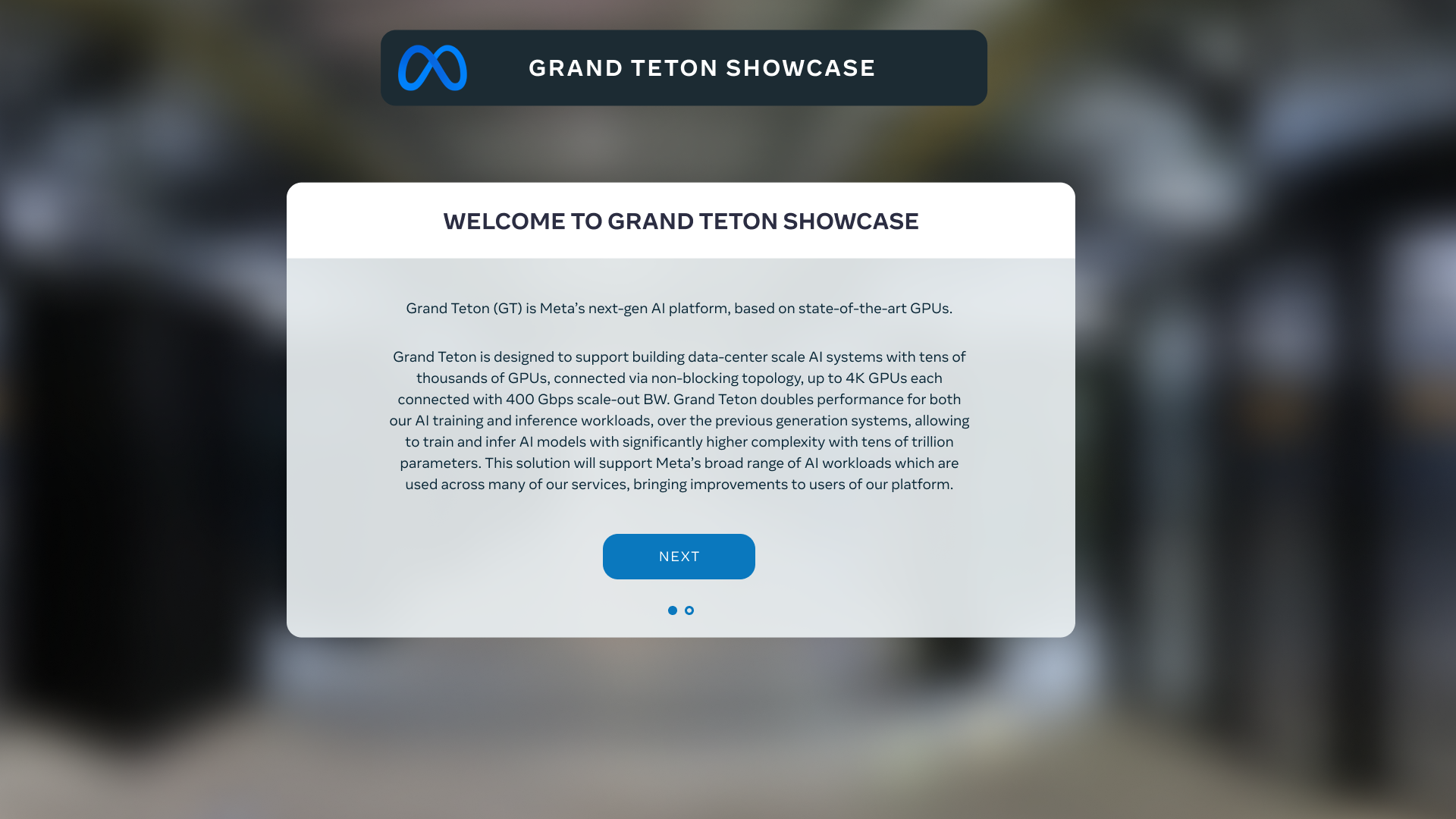
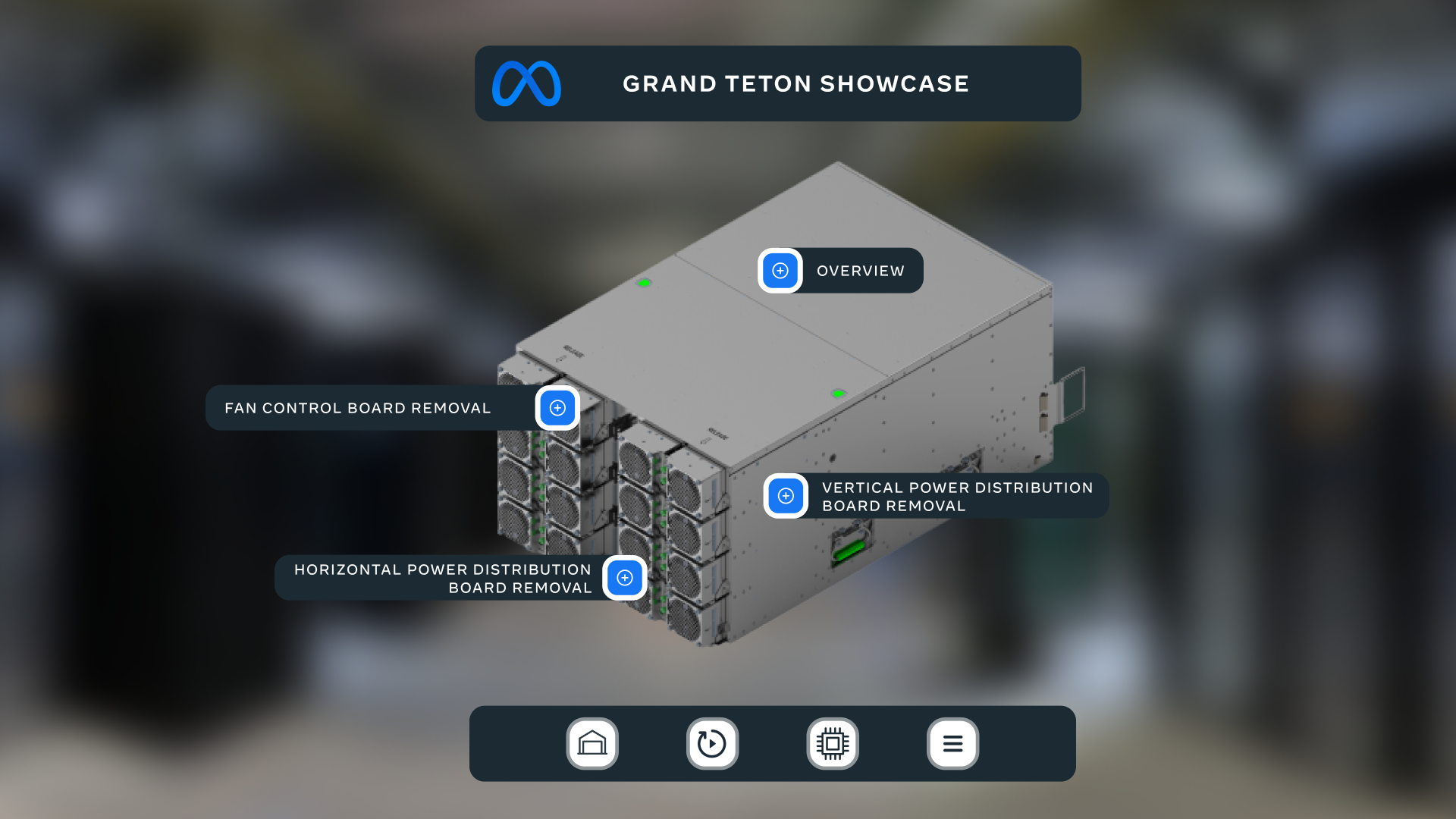
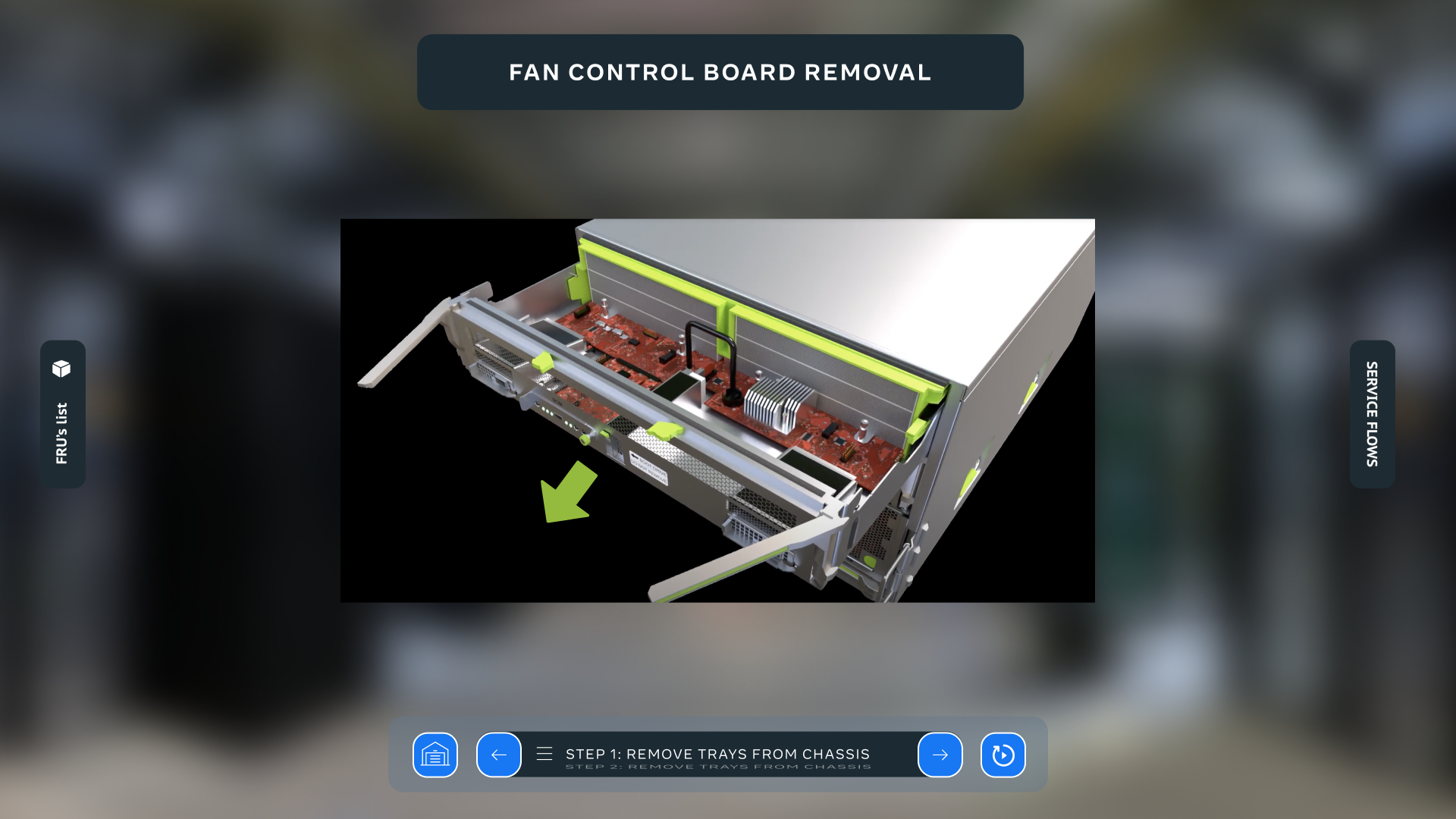
With our client's design system in hand, we dove right into the wireframing process. But we didn't stop at just basic wireframes – we went almost full-on high-fidelity. This meant we cranked up the details to really show how things would look and work. It was like giving the project a sneak peek, showcasing the design system in action and bringing it all to life visually.
As our project journey continued, we shifted gears into crafting captivating 3D instructional videos. This was the playground for our motion design creativity. We didn't just jump in blindly – we kicked things off by storyboarding our ideas. This way, we had a roadmap to follow, ensuring that every twist and turn in the motion design had a purpose and told the story effectively.
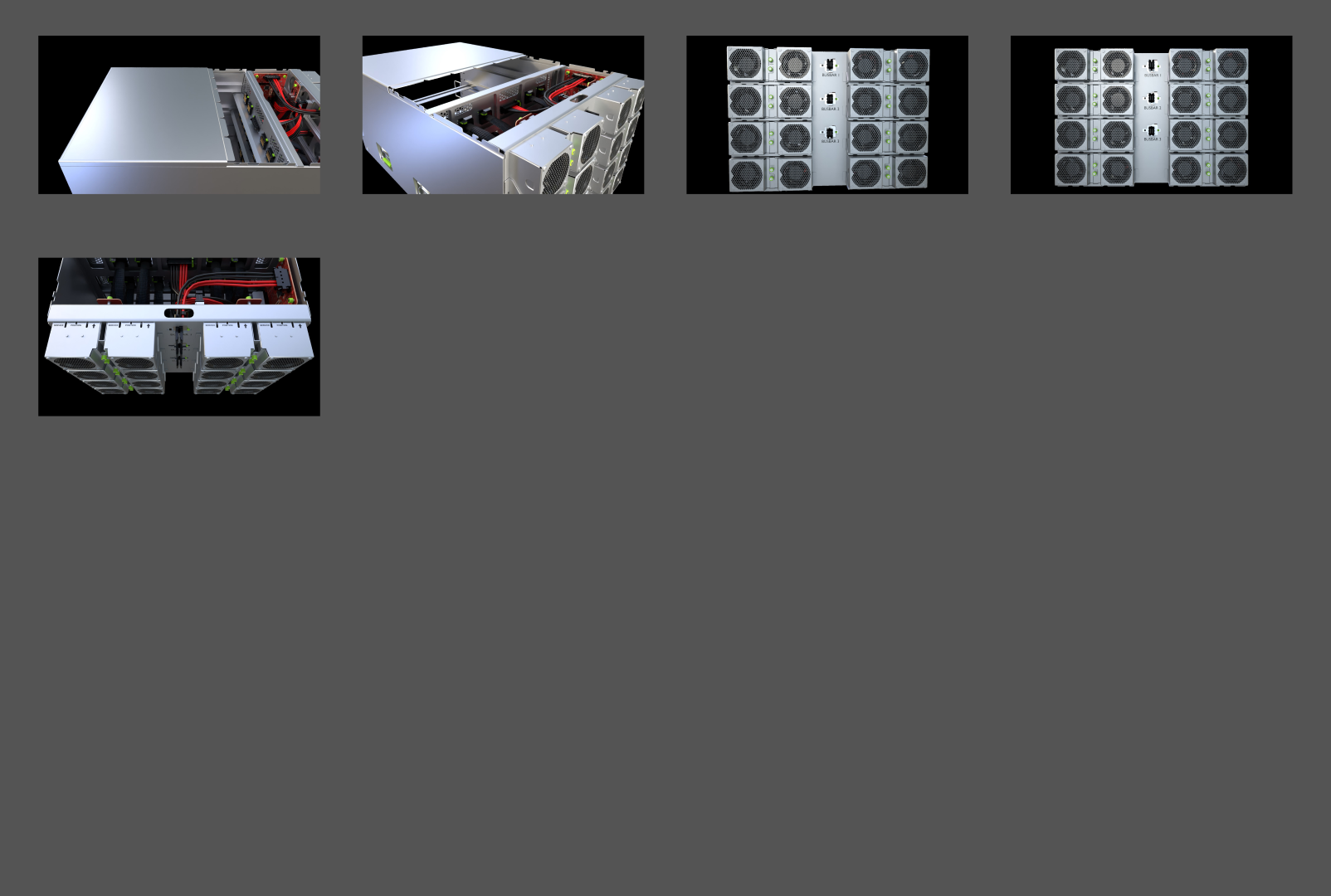
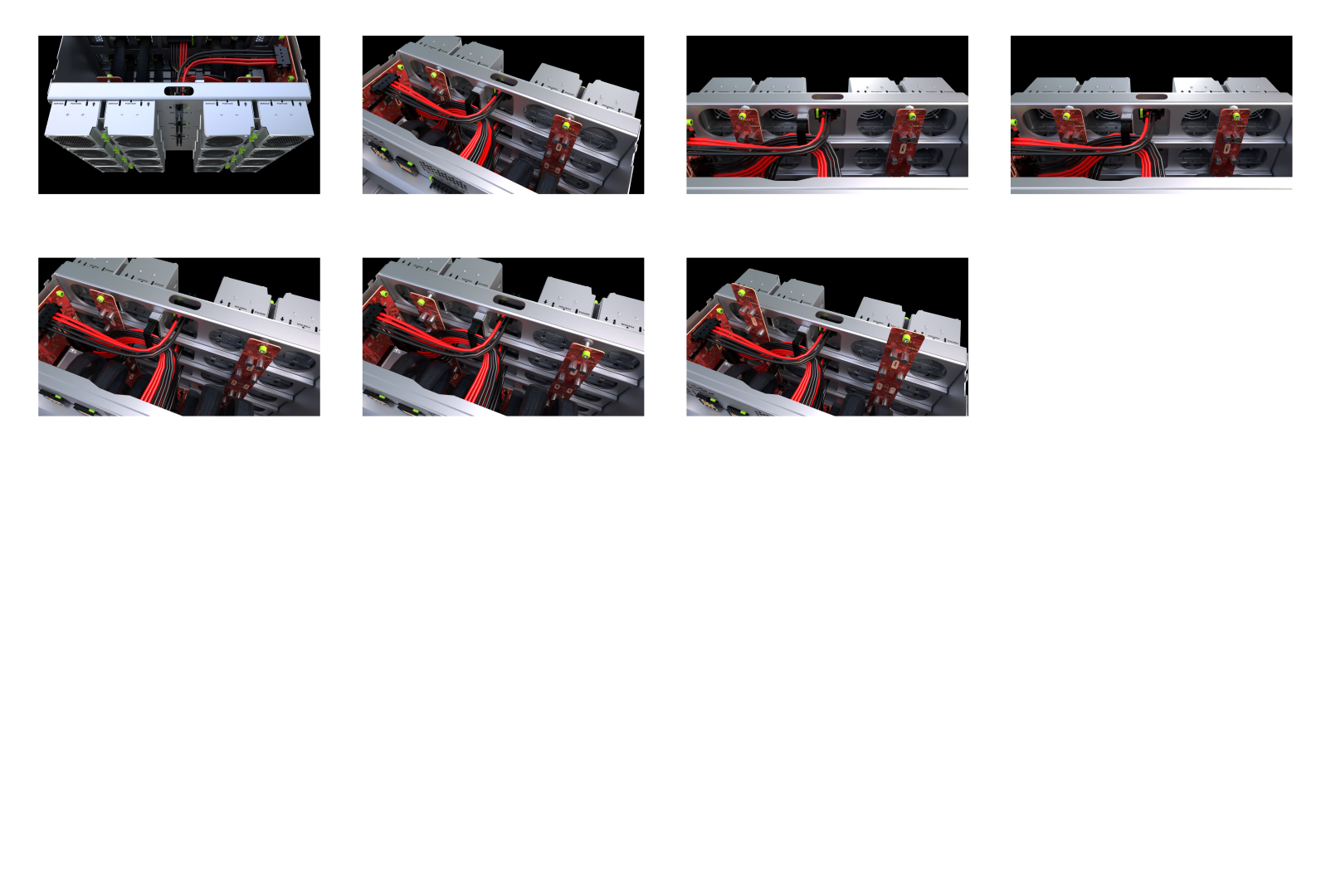
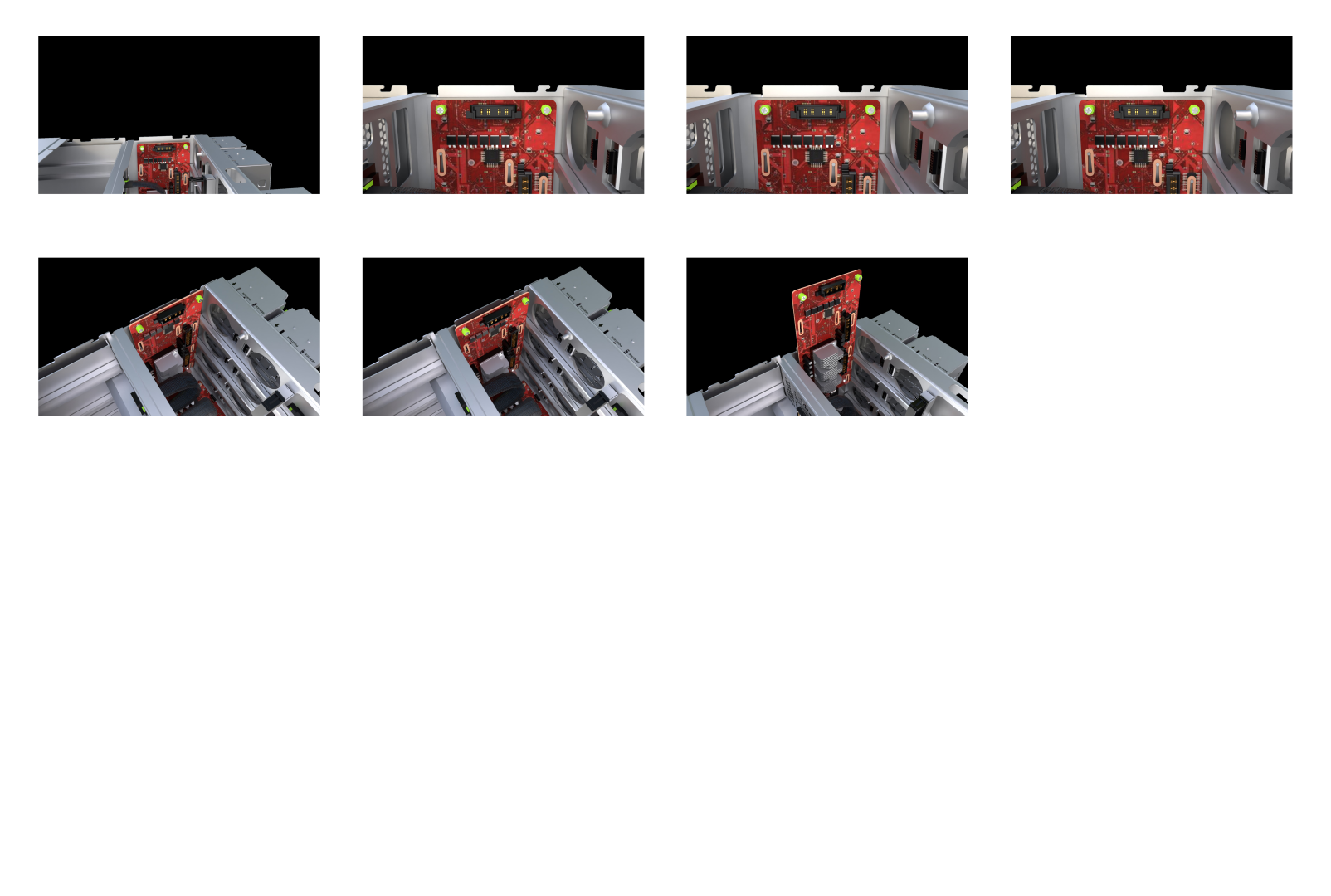
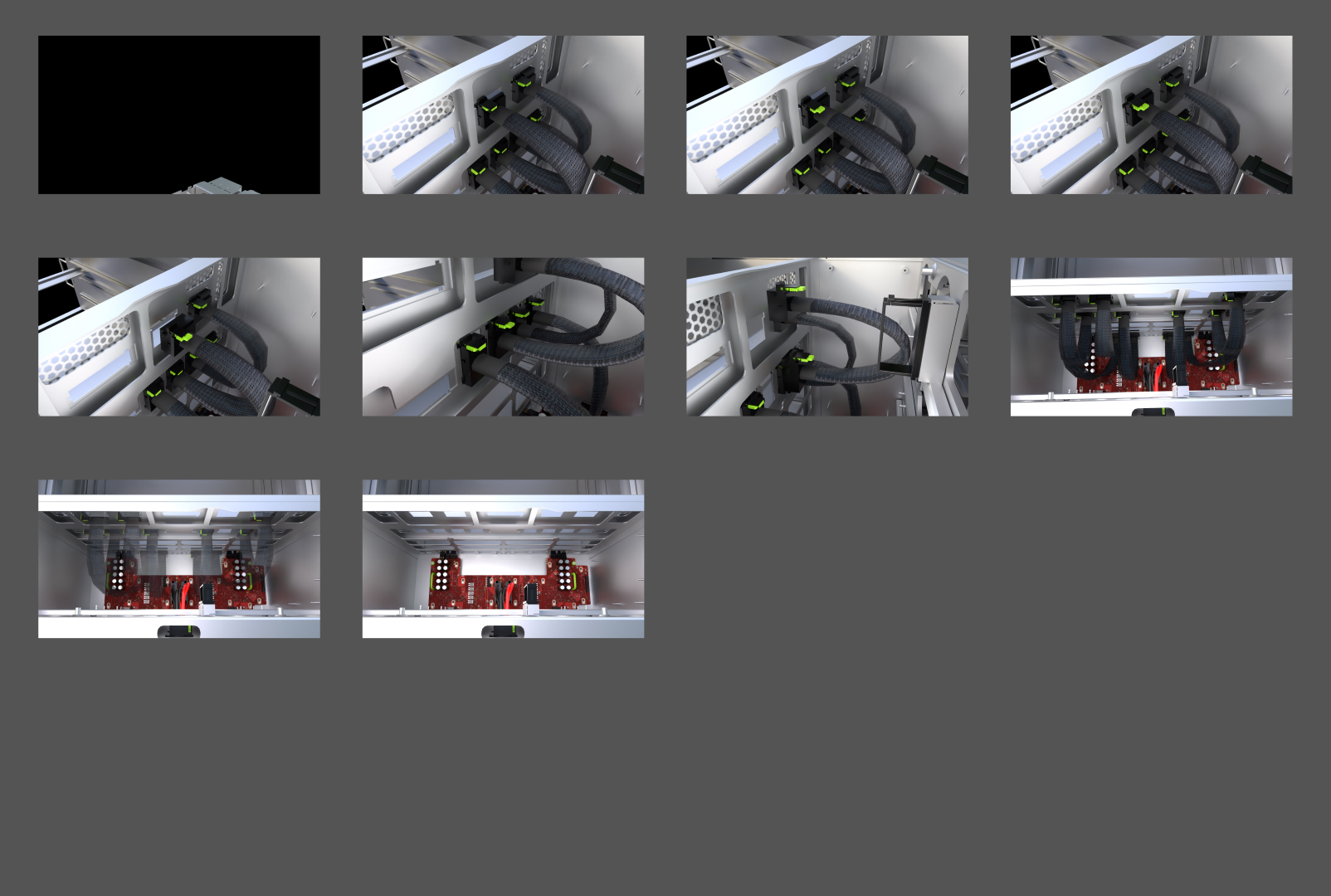
After wrapping up our exciting phase with the 3D instructions, we smoothly transitioned into the next gear.
This meant diving headfirst into shaping a rock-solid user experience and a sleek user interface for the entire VR app.
Our goal? To ensure that every tap, swipe, and interaction felt like second nature, guiding users through the
immersive training we've crafted.
🚀 Deployment
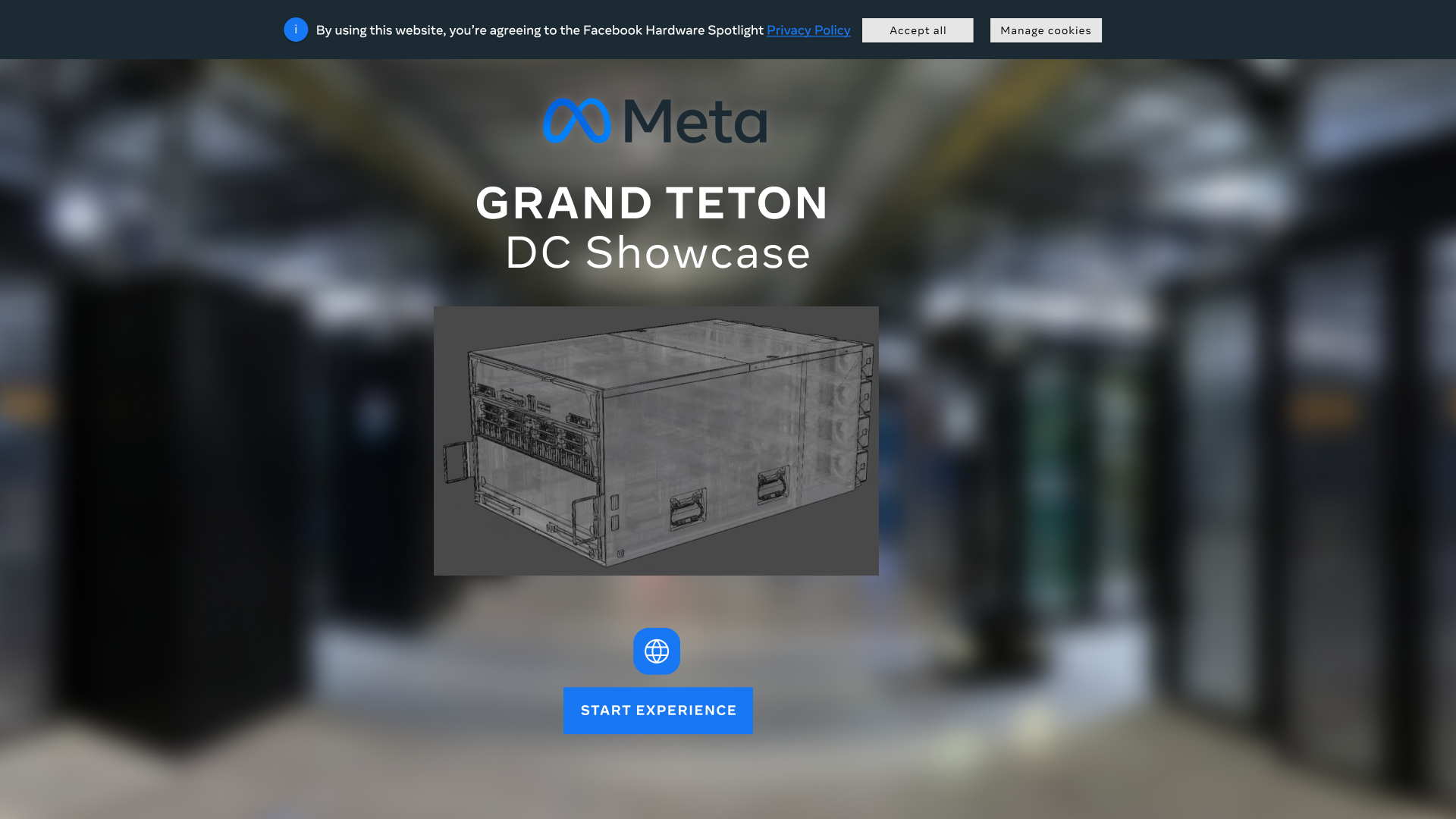
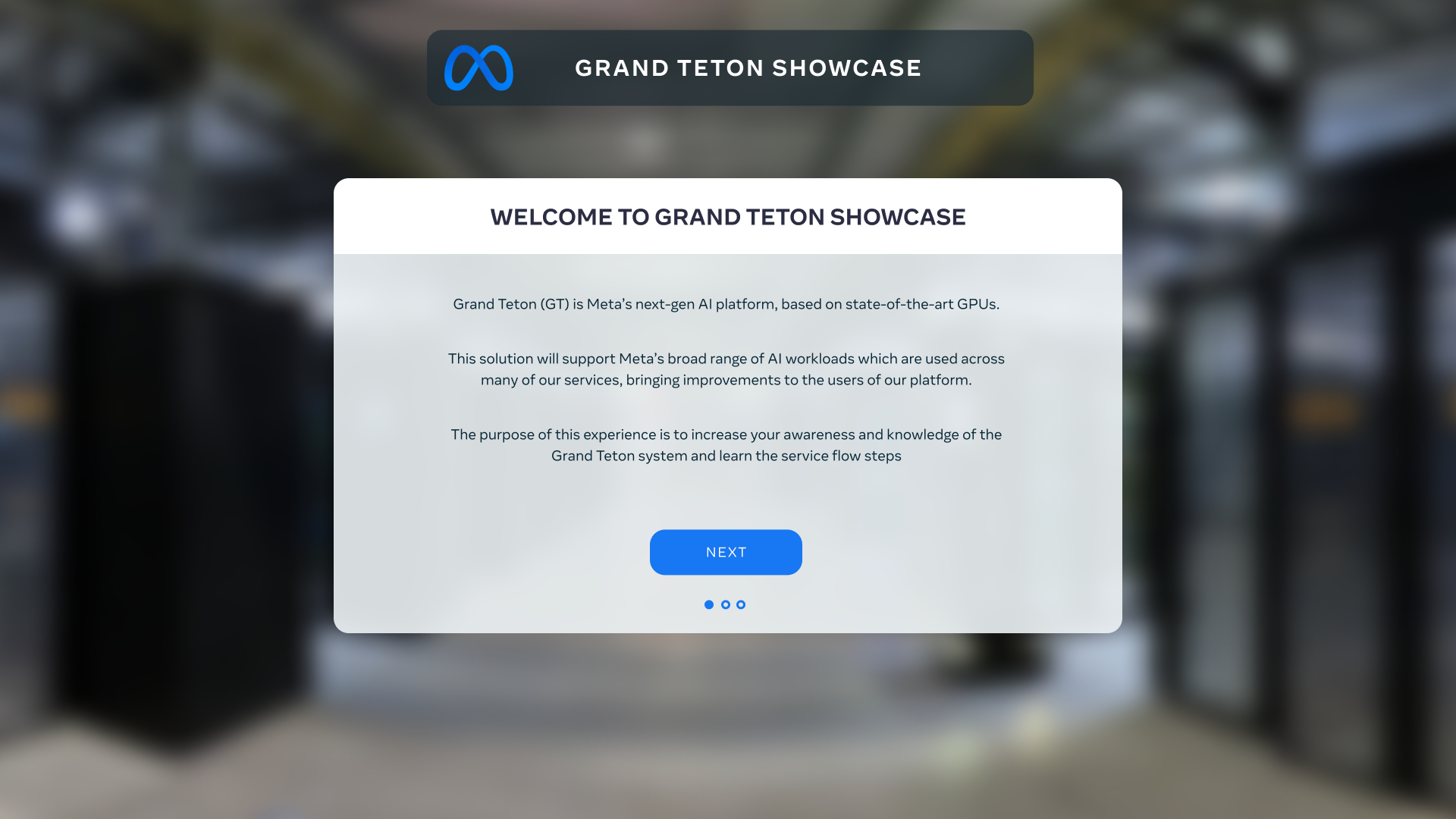
In the grand finale of our project, we pulled off a slick move – we launched a demo version for the client's in-house testing.
This gave them the chance to tinker around and get a feel for things before the official training release.
From there, it was all about squashing those pesky bugs. We fine-tuned the app, ensuring it was in tip-top shape. And guess what?
The app hit the release date right on the money, just as planned. It was a seamless journey from demo to debut!